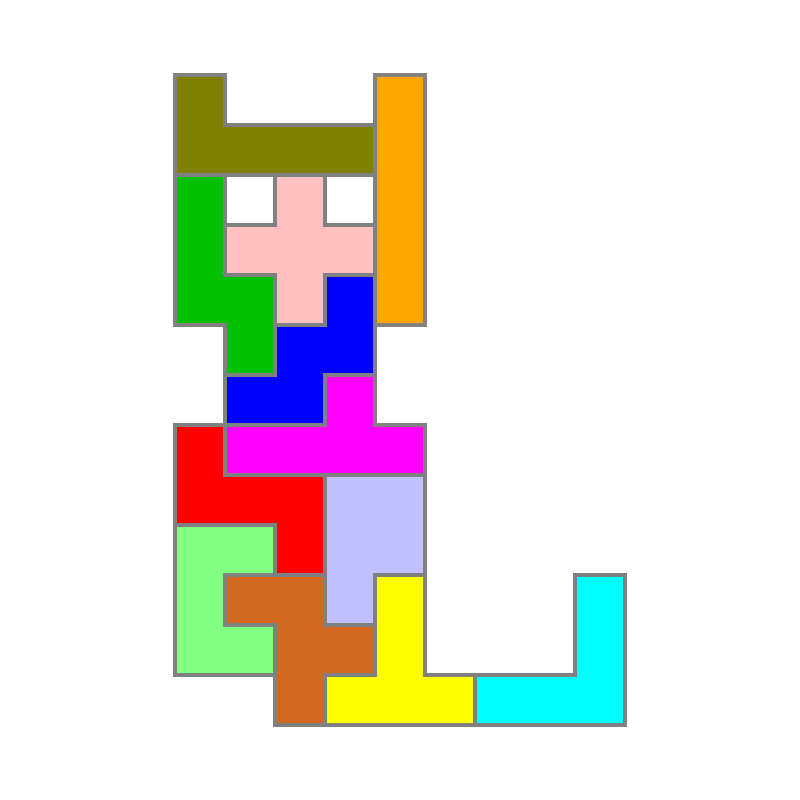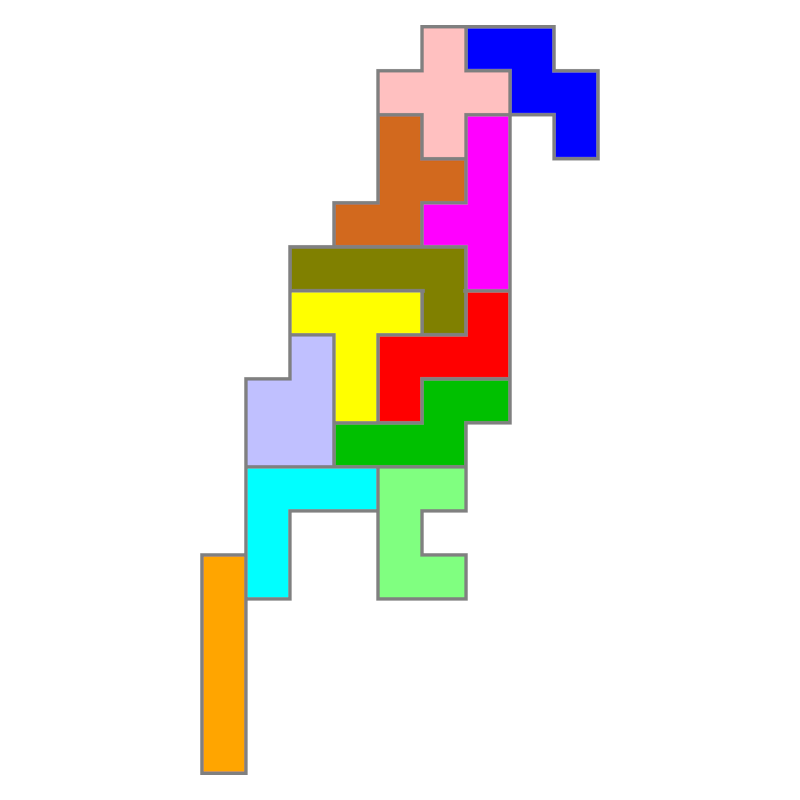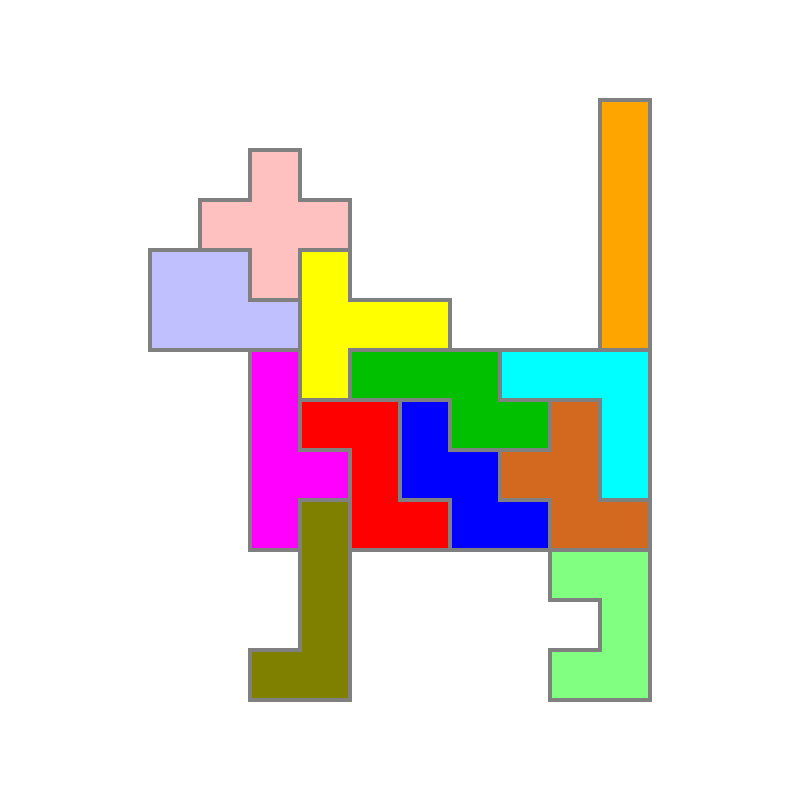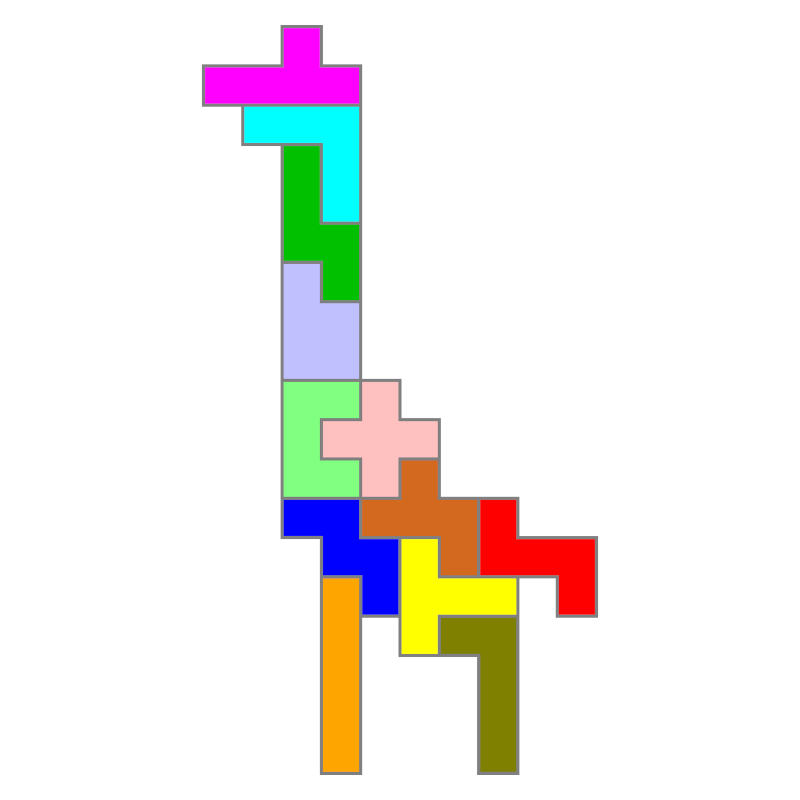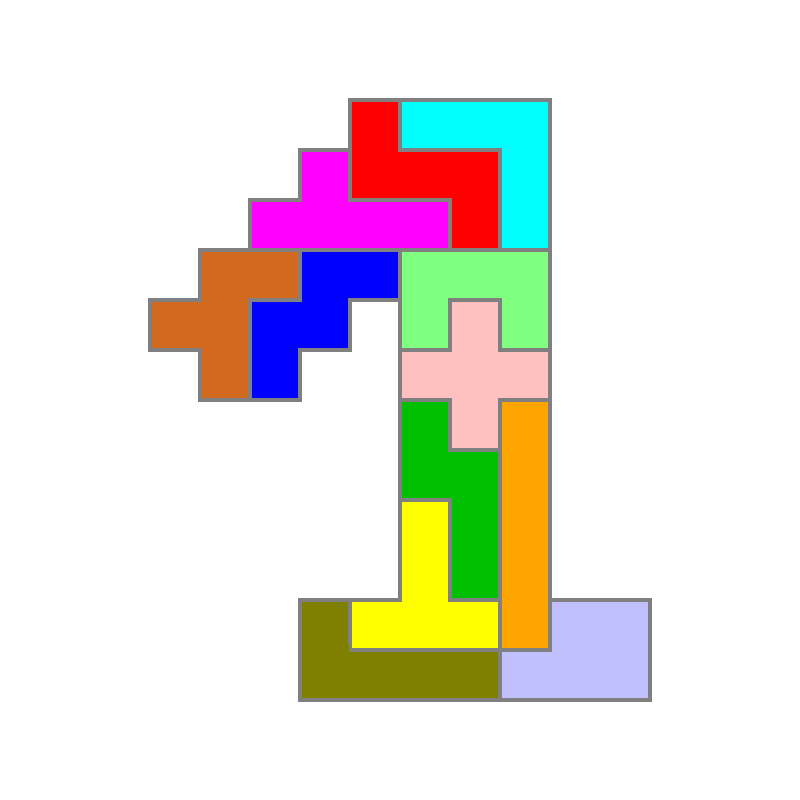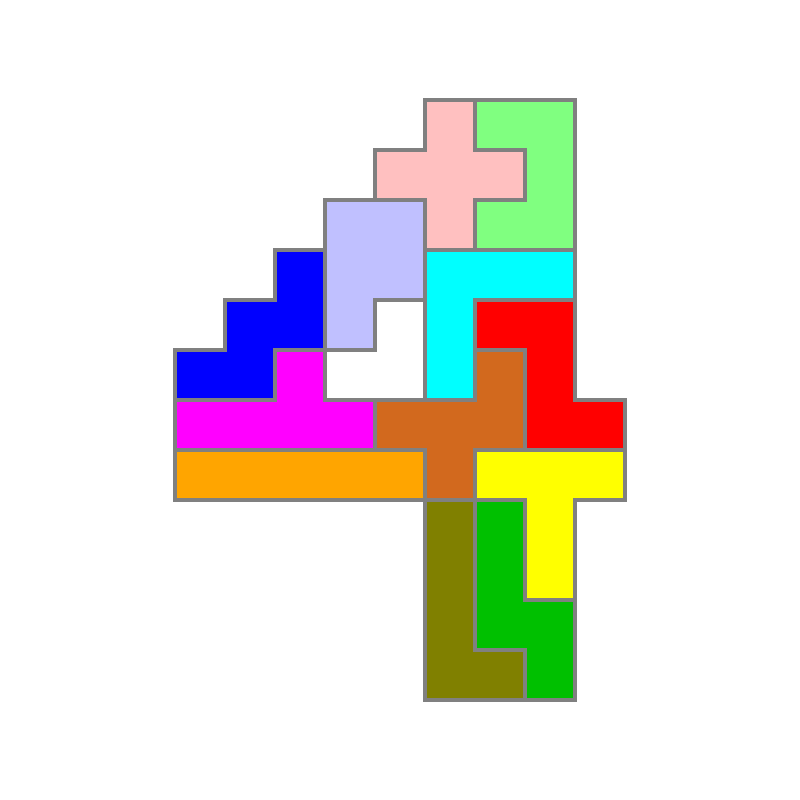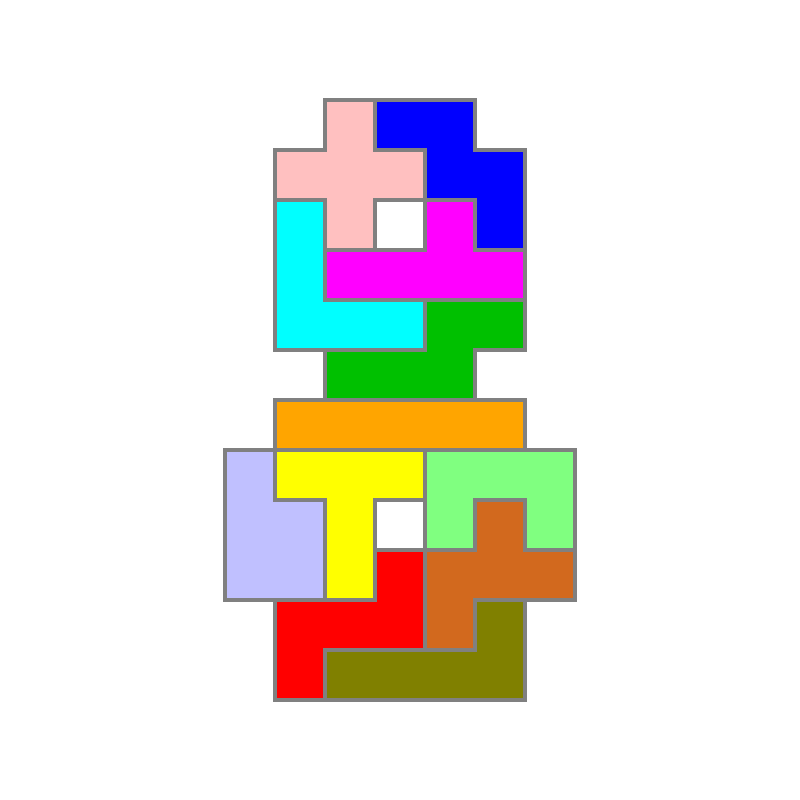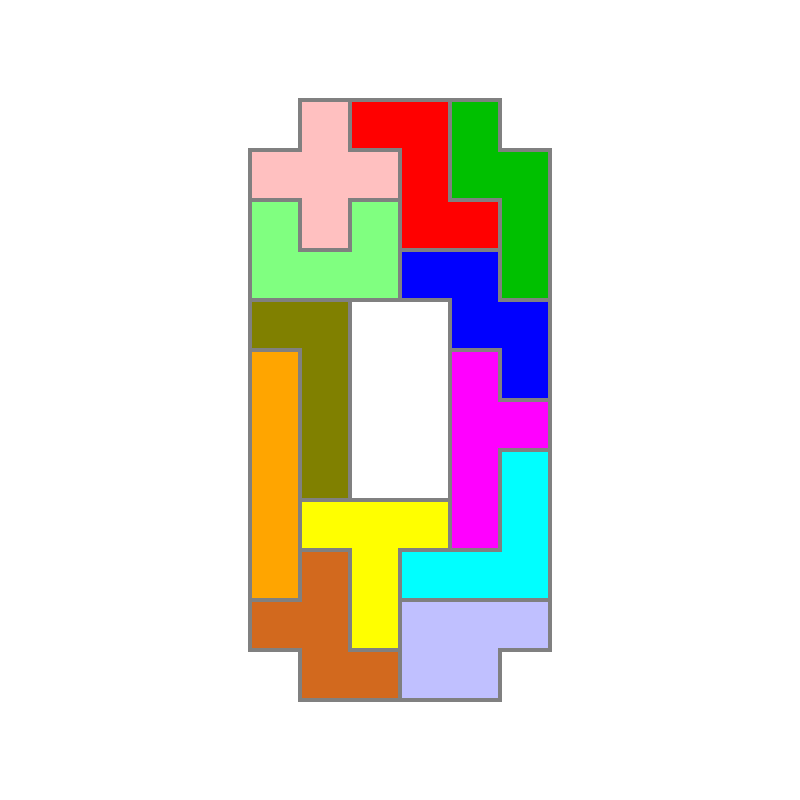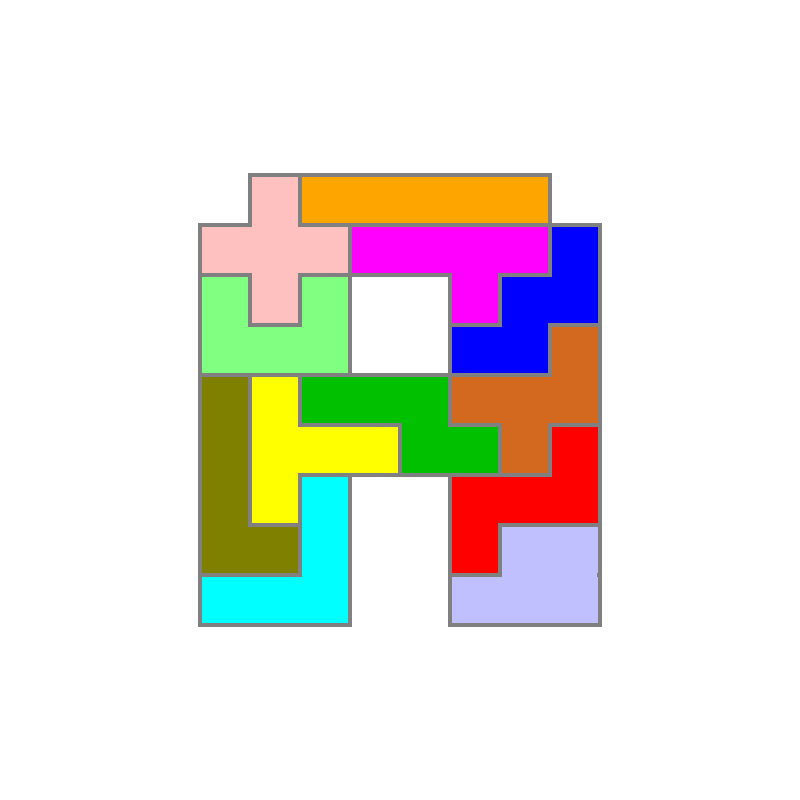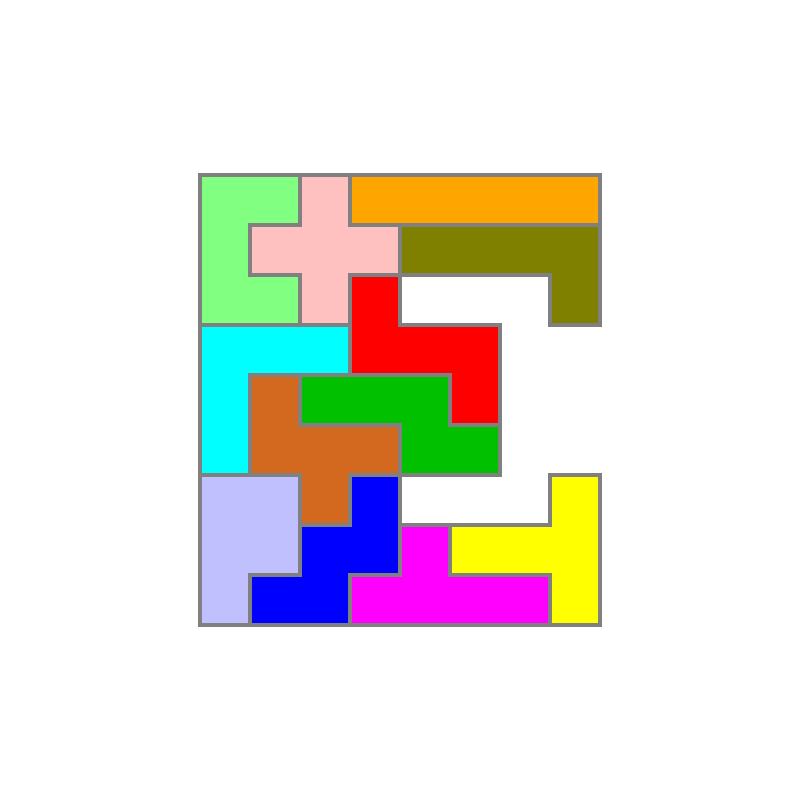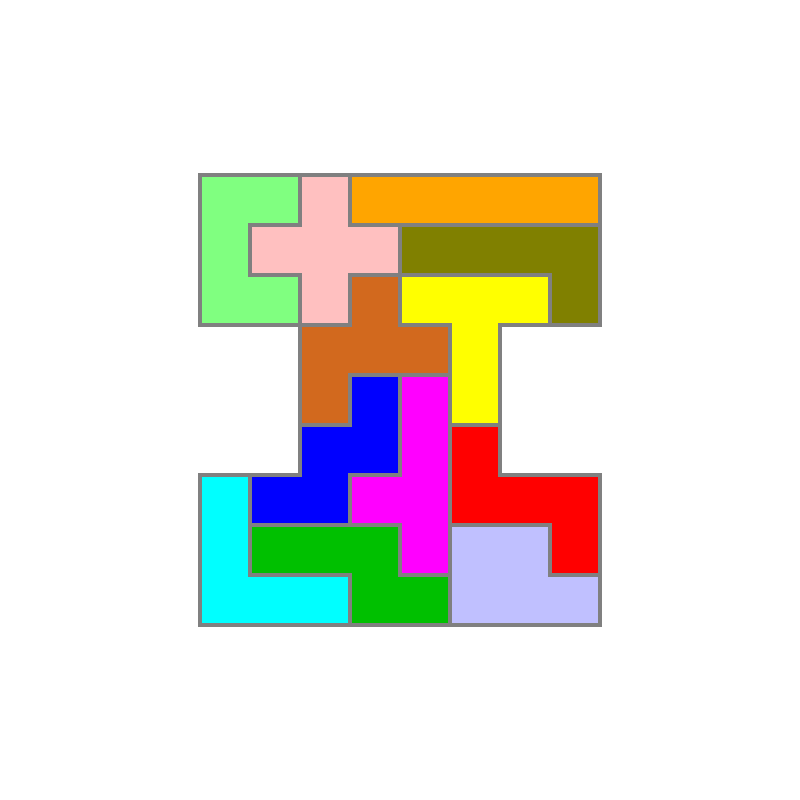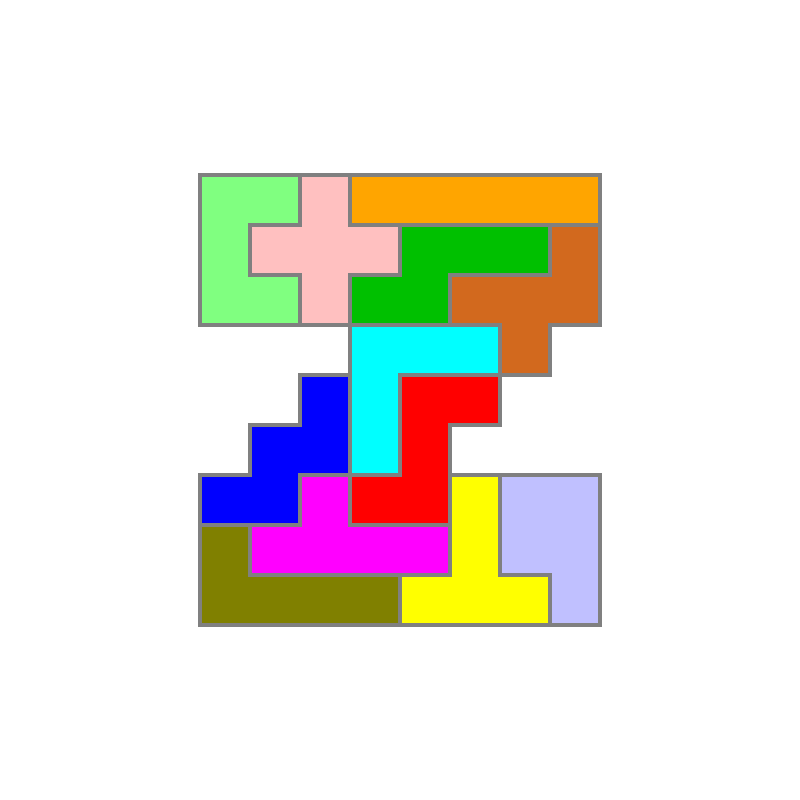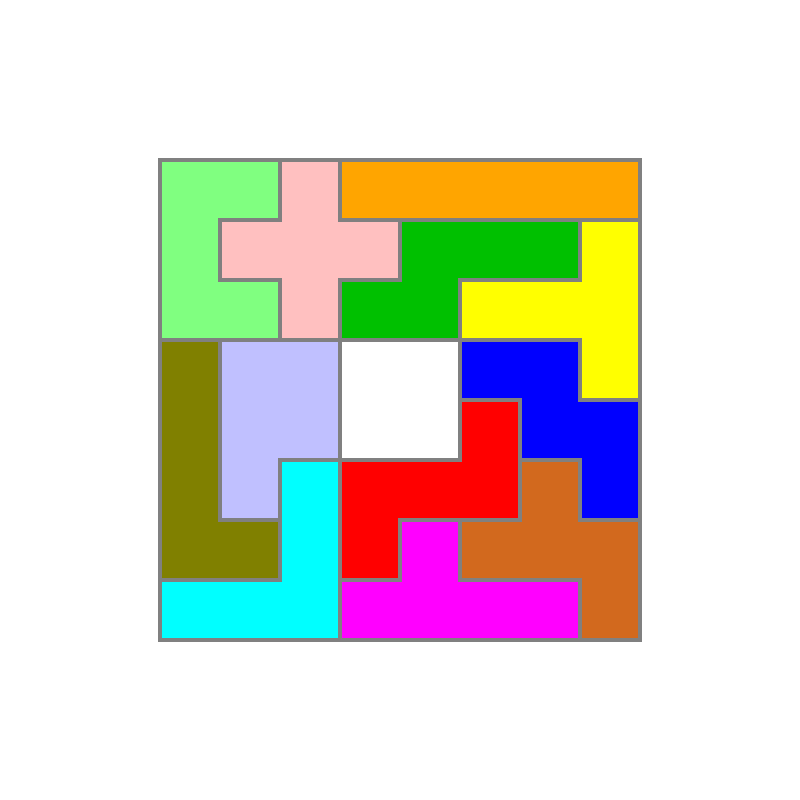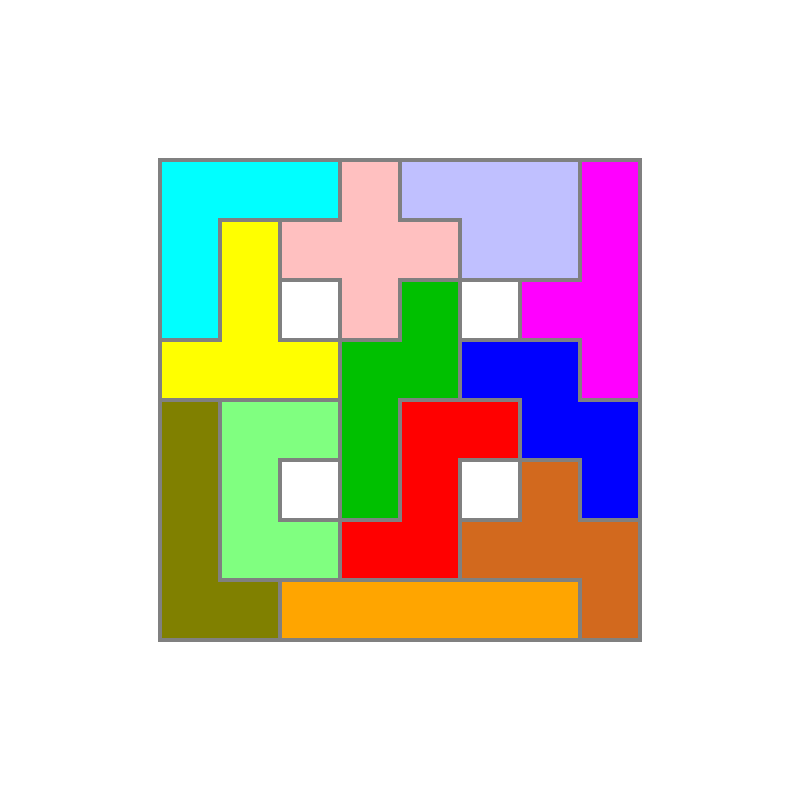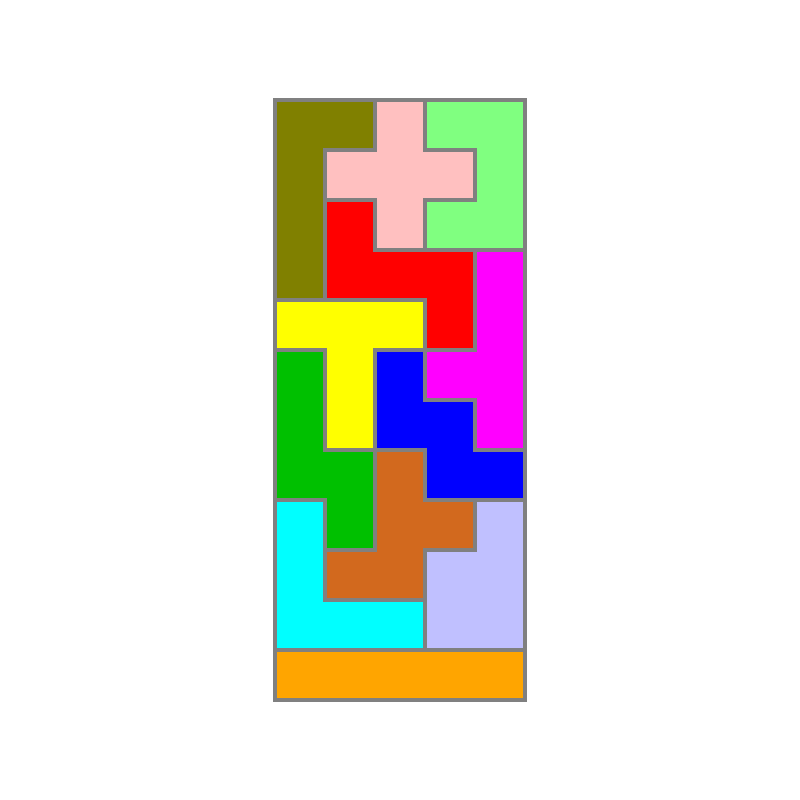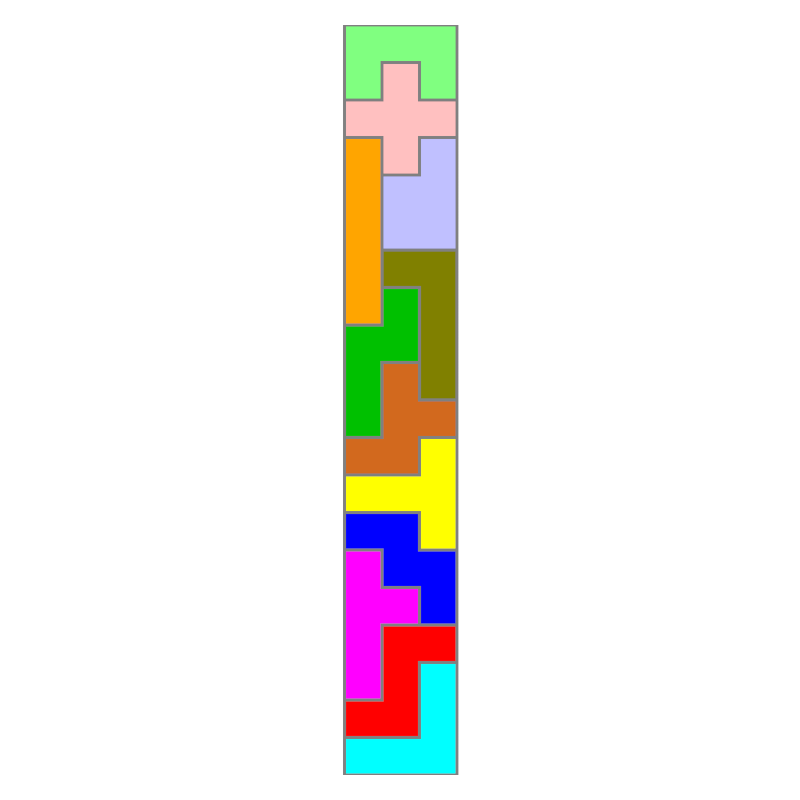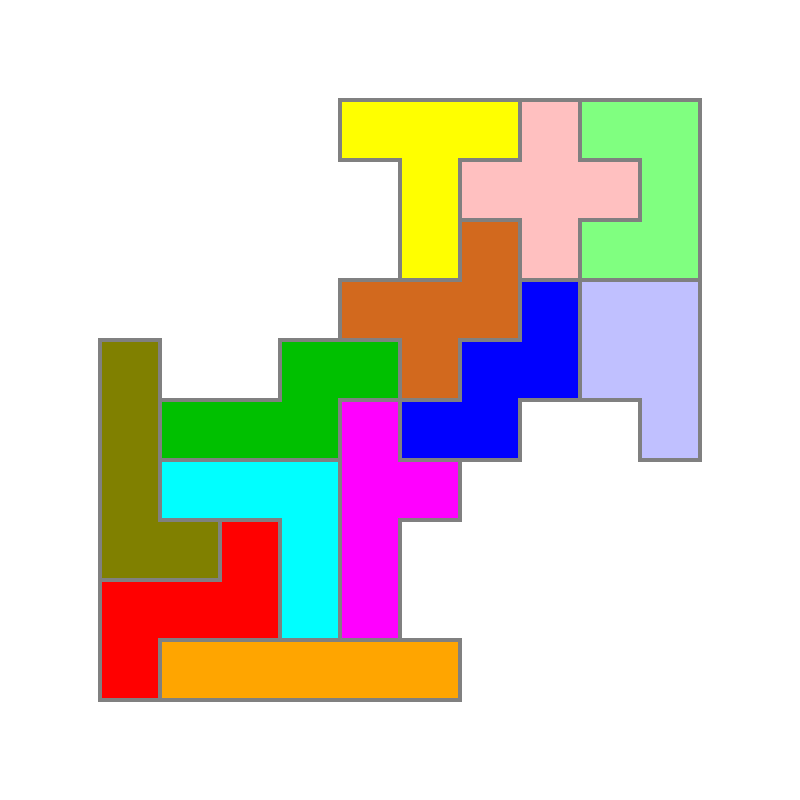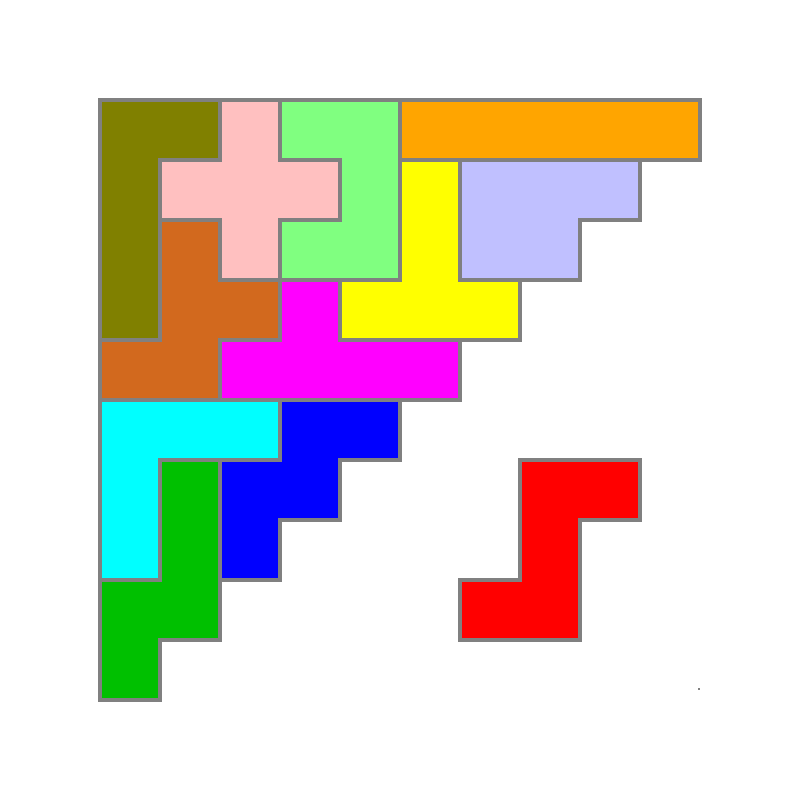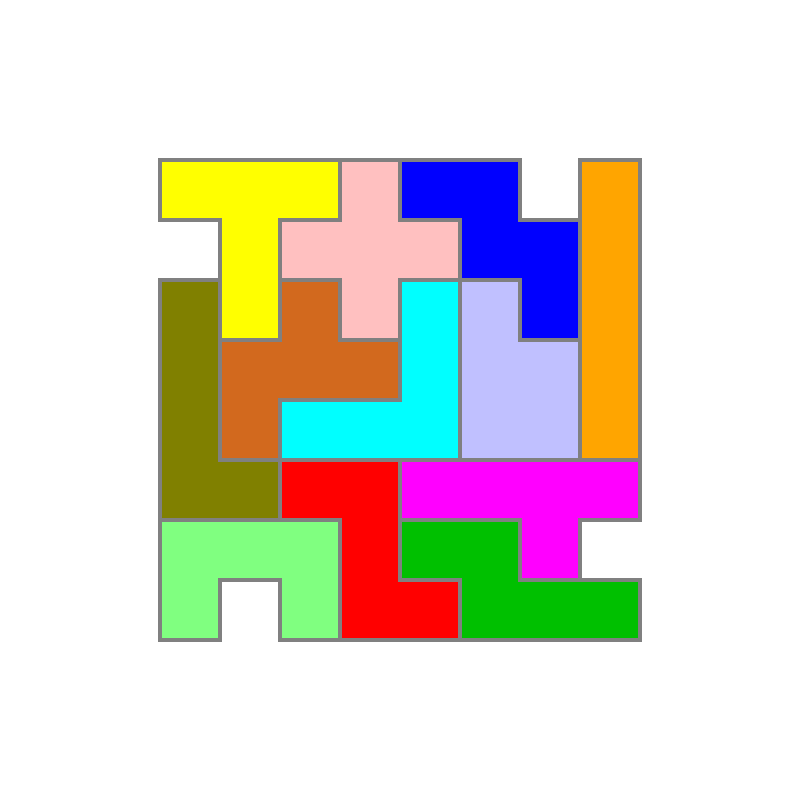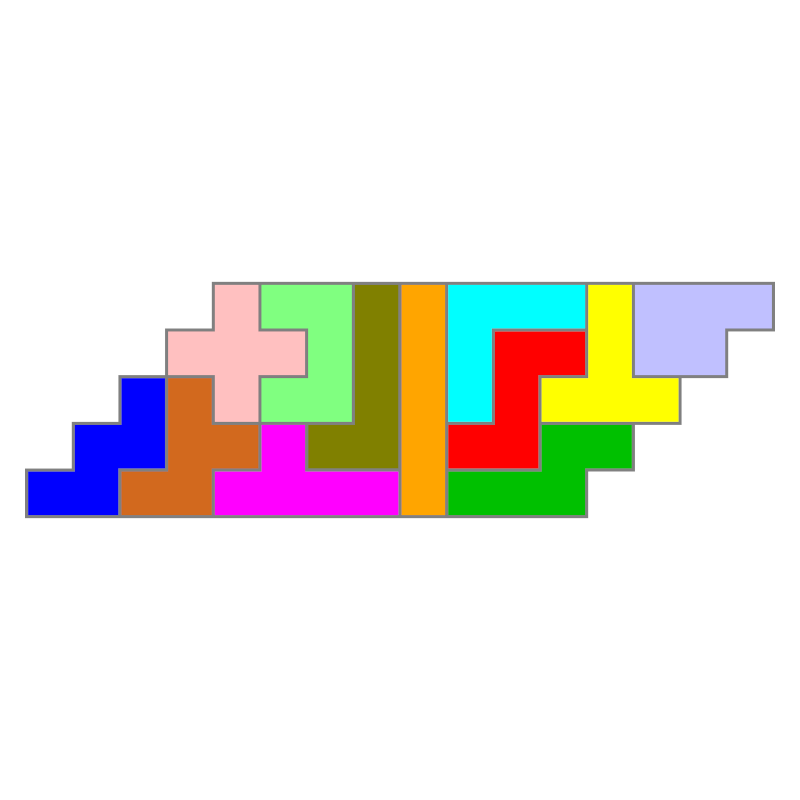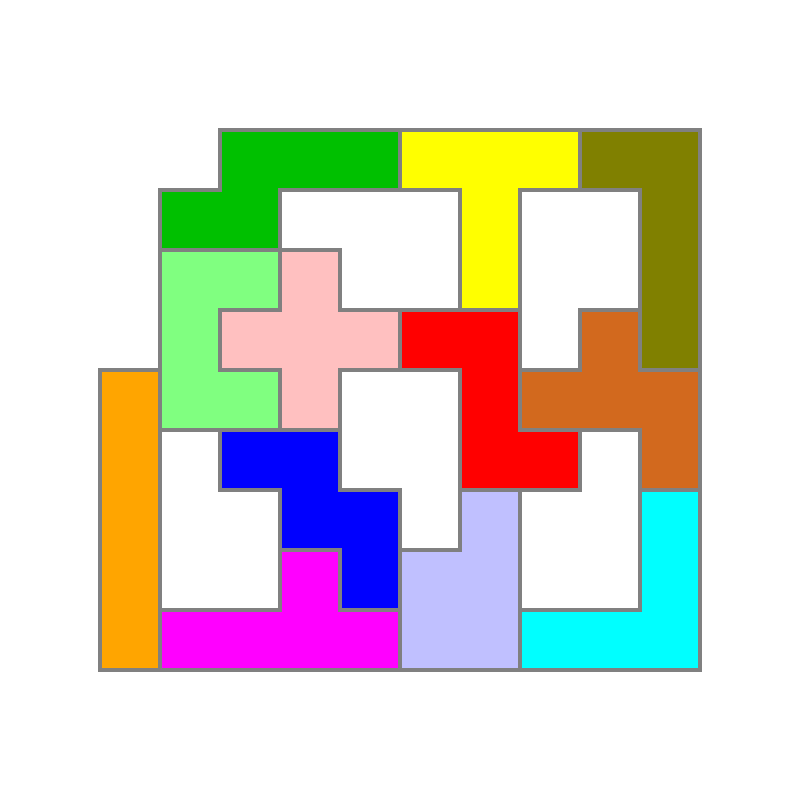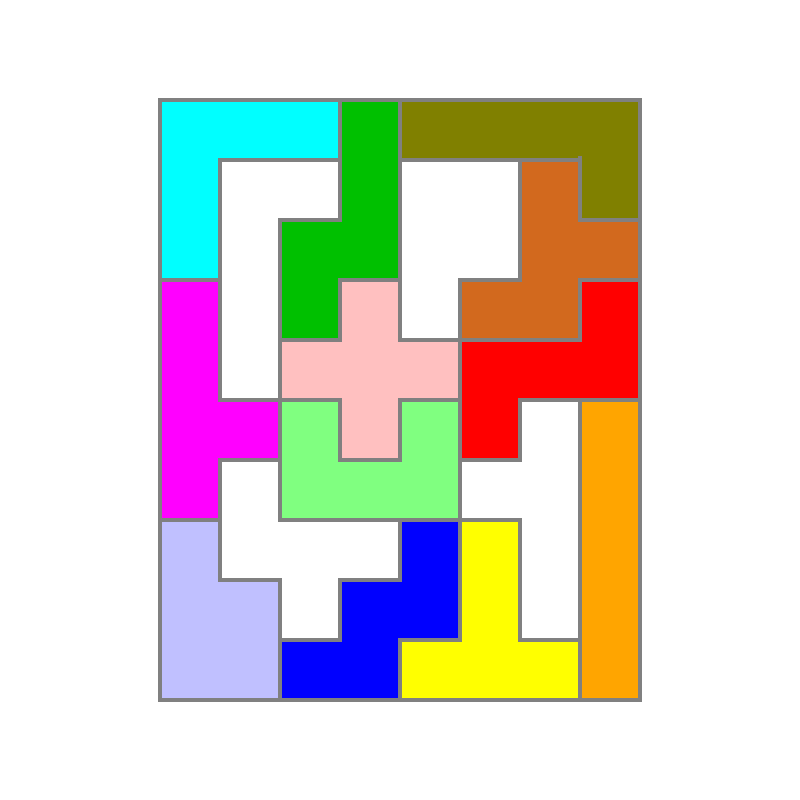
Shapes with four axes of symmetry, rotationally symmetrical 90° 180° 270°

14 solutions
6 solutions
47 solutions
65 solutions
21 solutions
28 solutions
Shapes with two axes of symmetry, rotationally symmetrical 180°
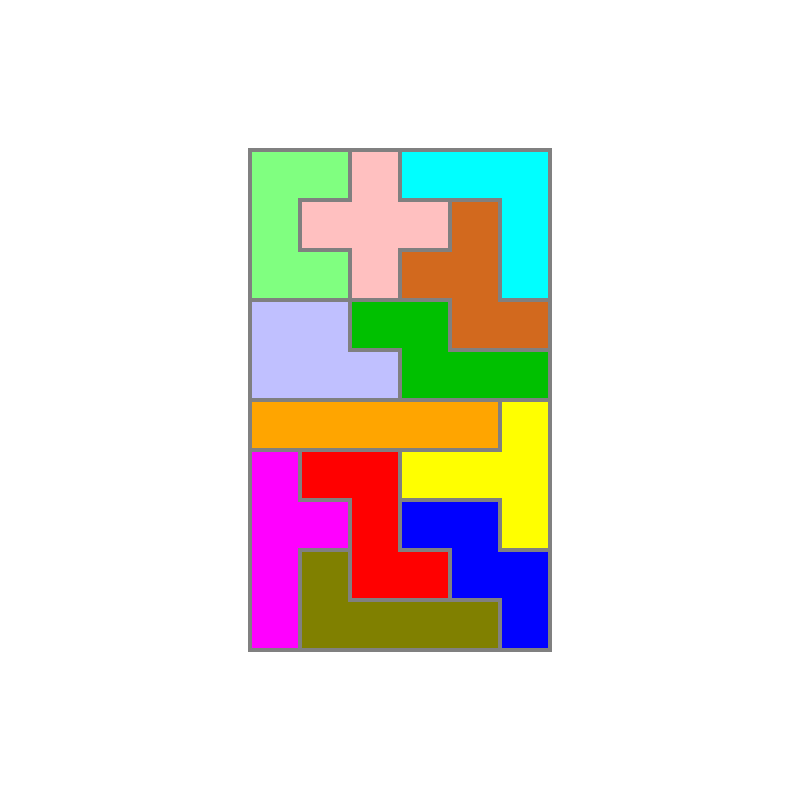
2339 solutions
1010 solutions
368 solutions
2 solutions
57 solutions
2 solutions
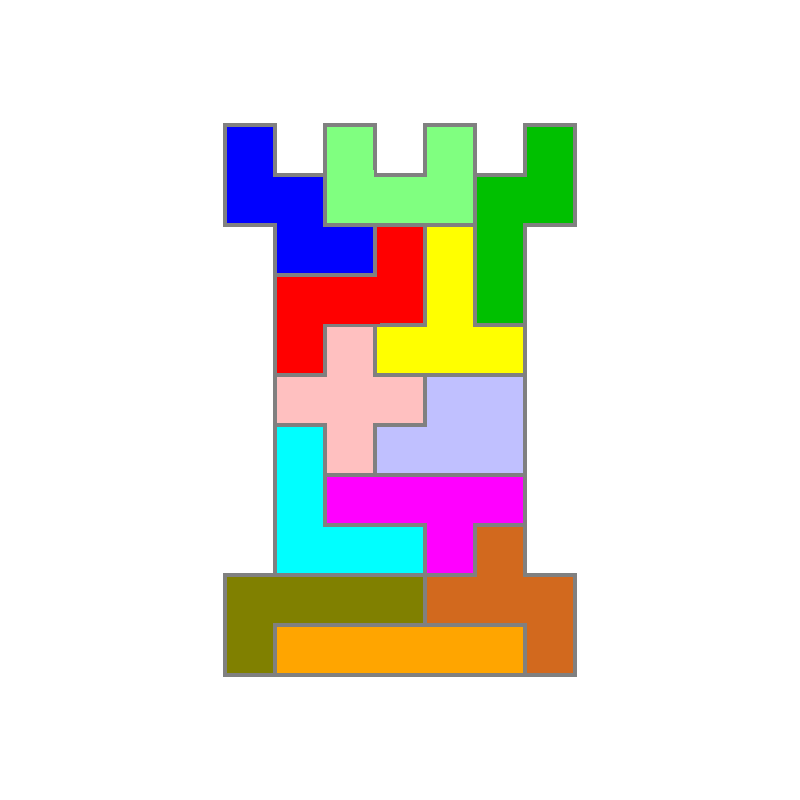
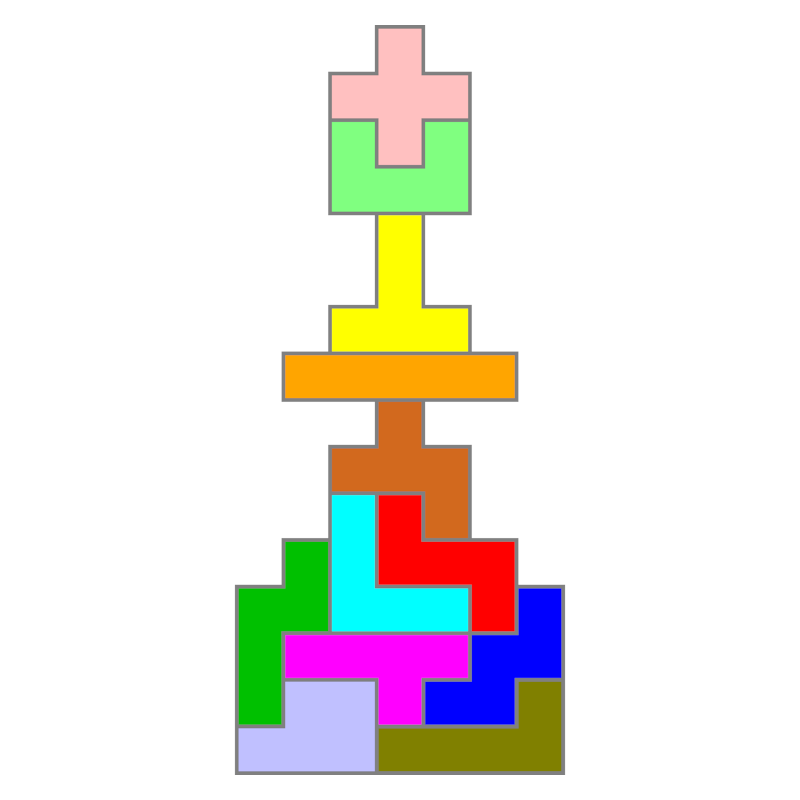
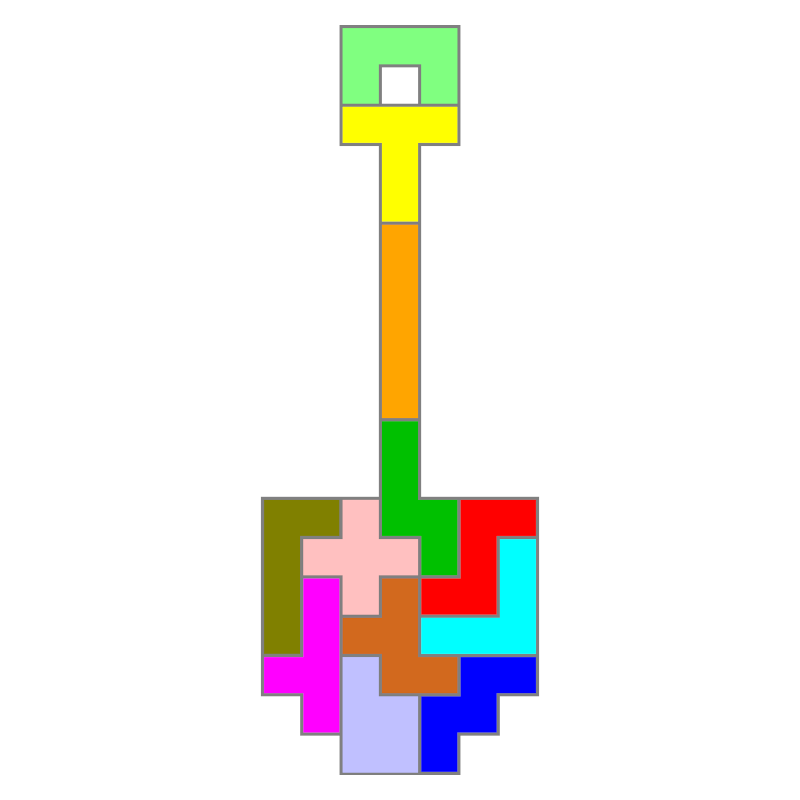
Shapes with an axis of symmetry
9 solutions
3 solutions
580 solutions
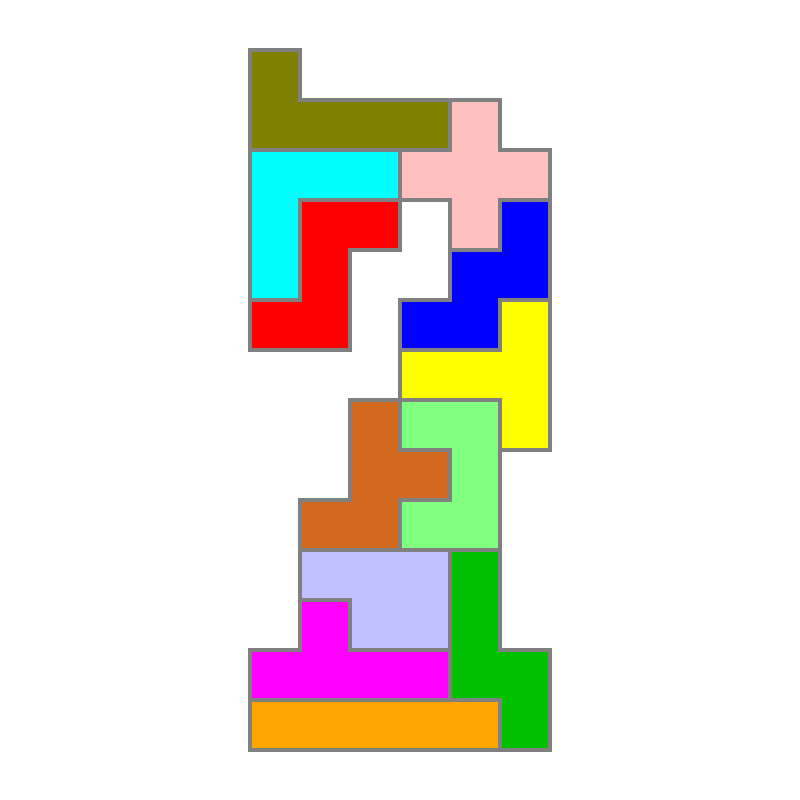
Rotationally symmetric shapes 90° 180° 270°
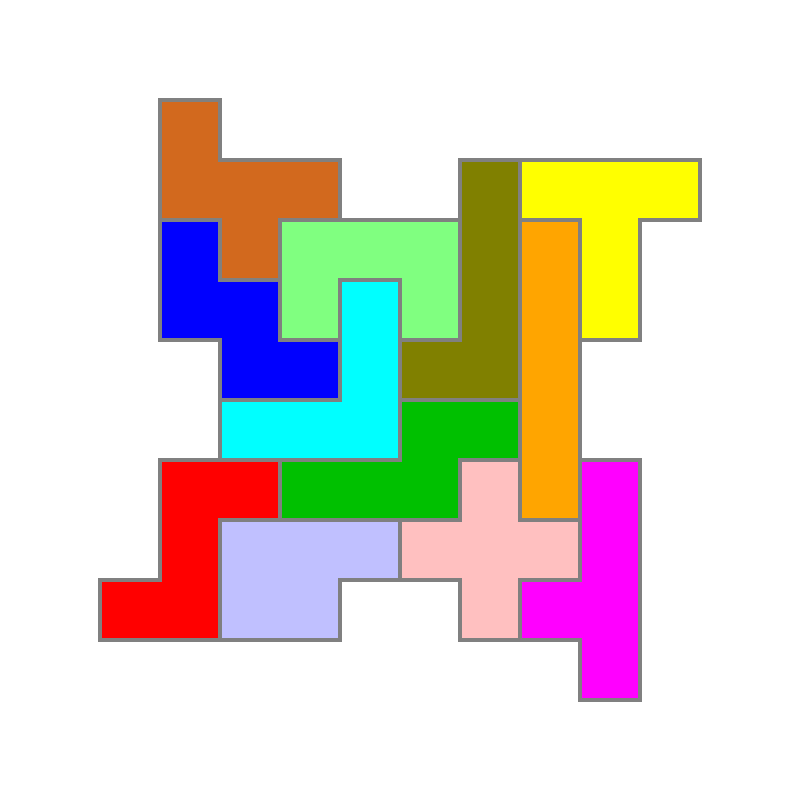
2 solutions
190 solutions
2 solutions
2 solutions
Rotationally symmetric shapes 180°

156 solutions
233 solutions
10 solutions
1 solution
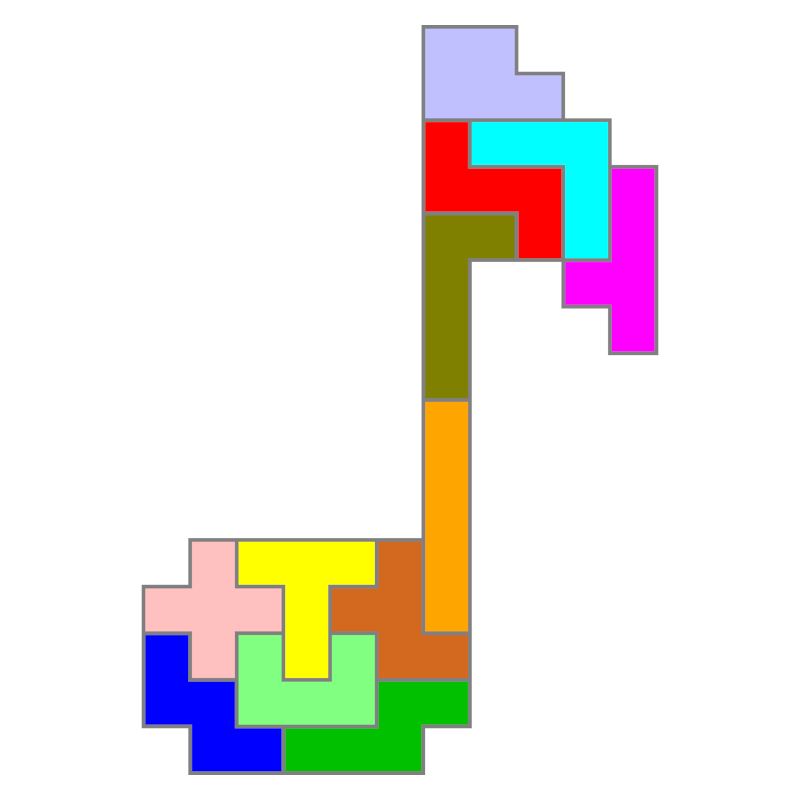
Shapes without symmetries
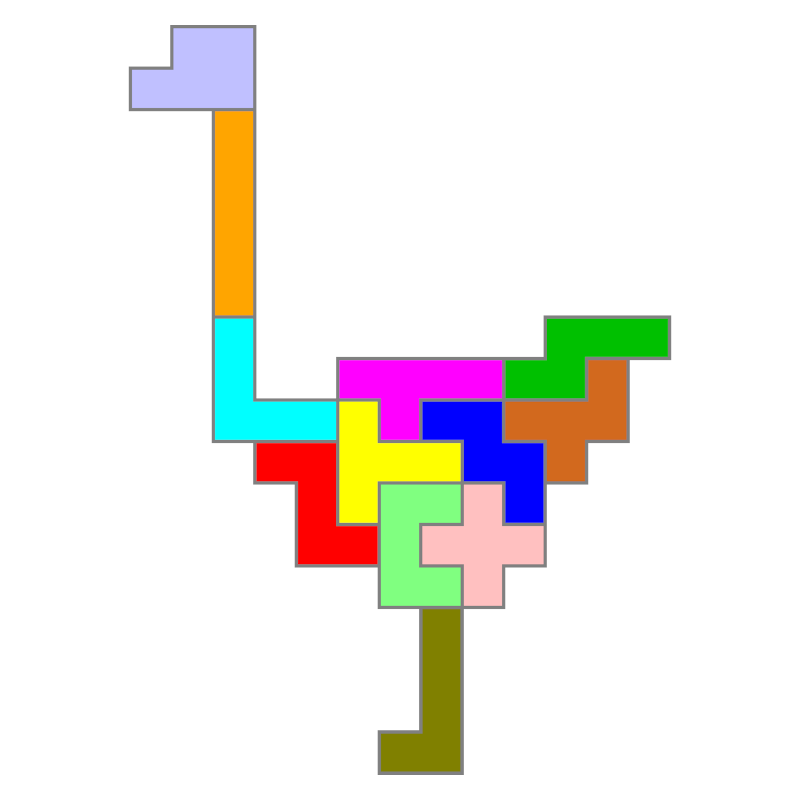
2 solutions
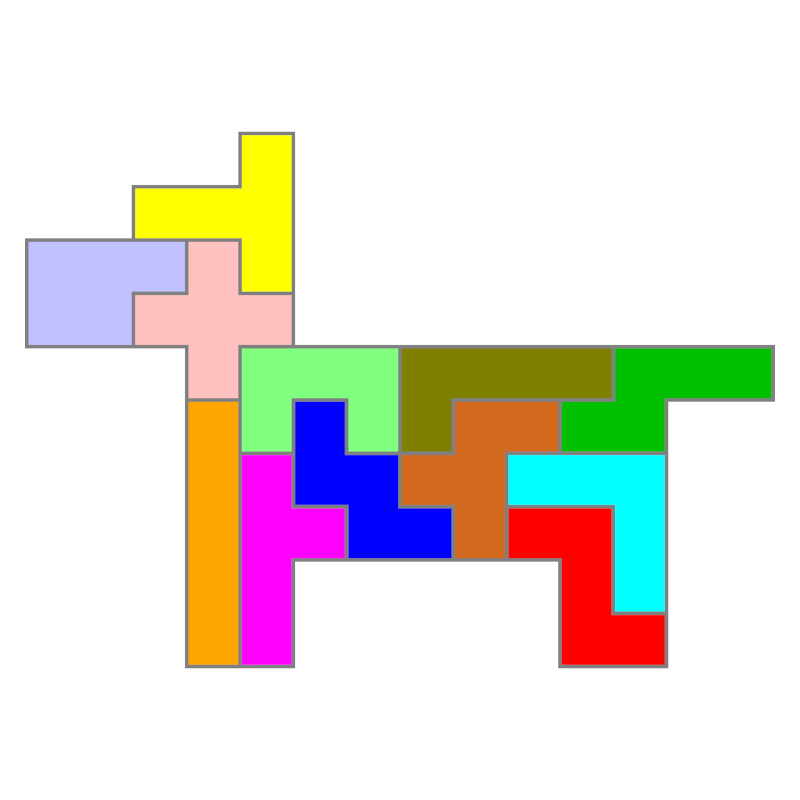
1 solution
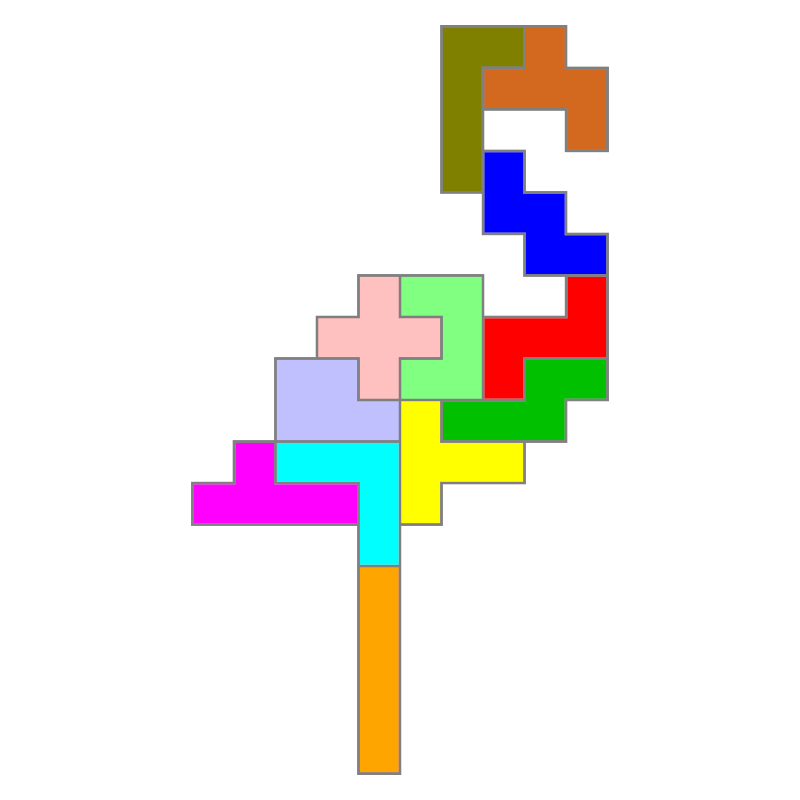
1 solution
1 solution
Manage Consent
To provide you with the best possible experience, we use technologies such as cookies to store and/or access device information. Consenting to these technologies will allow us to process data such as browsing behaviour or unique IDs on this site. Not consenting or withdrawing consent may adversely affect certain features and functions.
Functional
Always active
The technical storage or access is strictly necessary for the legitimate purpose of enabling the use of a specific service explicitly requested by the subscriber or user, or for the sole purpose of carrying out the transmission of a communication over an electronic communications network.
Preferences
The technical storage or access is necessary for the legitimate purpose of storing preferences that are not requested by the subscriber or user.
Statistics
The technical storage or access that is used exclusively for statistical purposes.The technical storage or access that is used exclusively for anonymous statistical purposes. Without a subpoena, voluntary compliance on the part of your Internet service provider, or additional records from a third party, information stored or retrieved for this purpose alone cannot usually be used to identify you.
Marketing
The technical storage or access is necessary for the purpose of creating user profiles to send advertising, or to track the user on a website or across several websites for similar marketing purposes.
To ensure that all programs run smoothly after download and are not blocked by Windows, please follow this one important instruction before unpacking:
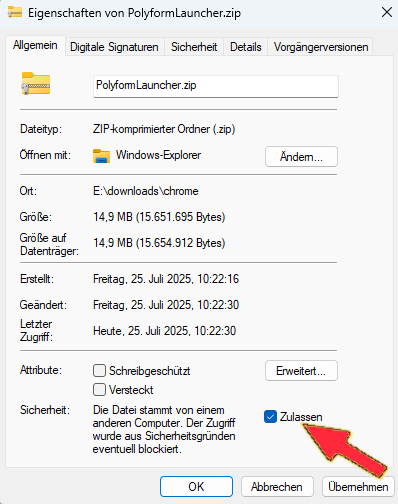
Step 1: Right-click the downloaded ZIP file (PolyformLauncher.zip).
Step 2: In the menu, select Properties.
Step 3: In the General tab, under Security, check the box Unblock.
Step 4: Click Apply, then OK.
Done! You can now extract the ZIP file as usual. All programs will start without any error messages..
Anleitung: Programme korrekt starten
Damit alle Programme nach dem Download reibungslos funktionieren und nicht von Windows blockiert werden, folgen Sie bitte vor dem Entpacken dieser einen, wichtigen Anweisung:
Schritt 1: Machen Sie einen Rechtsklick auf die heruntergeladene ZIP-Datei (PolyformLauncher.zip).
Schritt 2: Wählen Sie im Menü den Punkt “Eigenschaften”.
Schritt 3: Setzen Sie im Tab “Allgemein” unten bei “Sicherheit” einen Haken bei “Zulassen”.
Schritt 4: Klicken Sie auf “Übernehmen” und dann auf “OK”.
Fertig! Jetzt können Sie die ZIP-Datei wie gewohnt entpacken. Alle Programme werden danach ohne Fehlermeldung starten.