Skip to content
No results
  • Home
  • Puzzles
  • Shapes
    • Pentomino 2D Shapes
    • Pentomino 3D Shapes
    • Hexiamond Shapes
    • Soma Shapes
    • Tetrahex Shapes
  • Tools
  • Deutsch
  • English
Pentoma Puzzles
Pentoma Puzzles
  • Home
  • Puzzles
  • Shapes
    • Pentomino 2D Shapes
    • Pentomino 3D Shapes
    • Hexiamond Shapes
    • Soma Shapes
    • Tetrahex Shapes
  • Tools
  • Deutsch
  • English
Pentoma Puzzles
Pentoma Puzzles

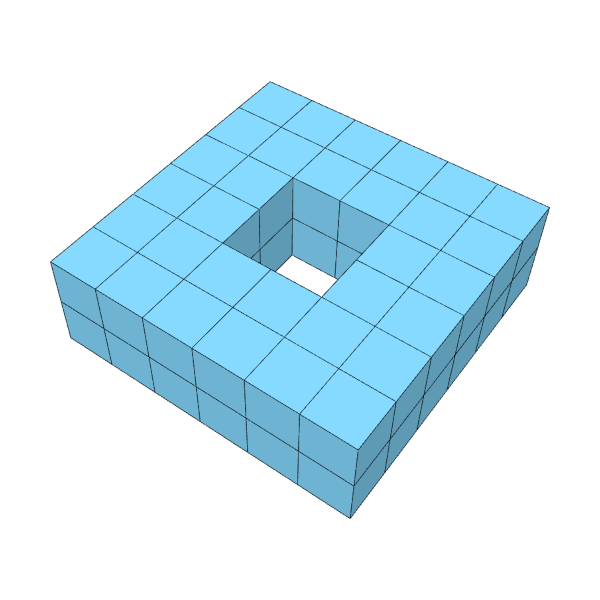
Shapes & Solutions: 3D-Pentominos

By clicking or tapping on the shapes, you will be taken to the solution videos

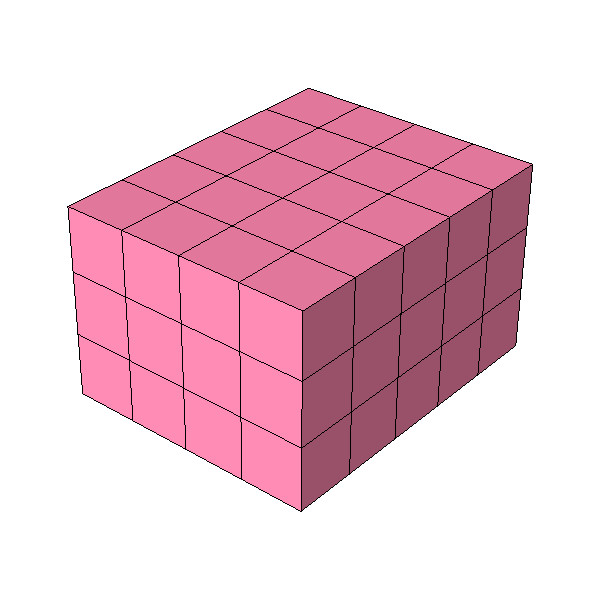
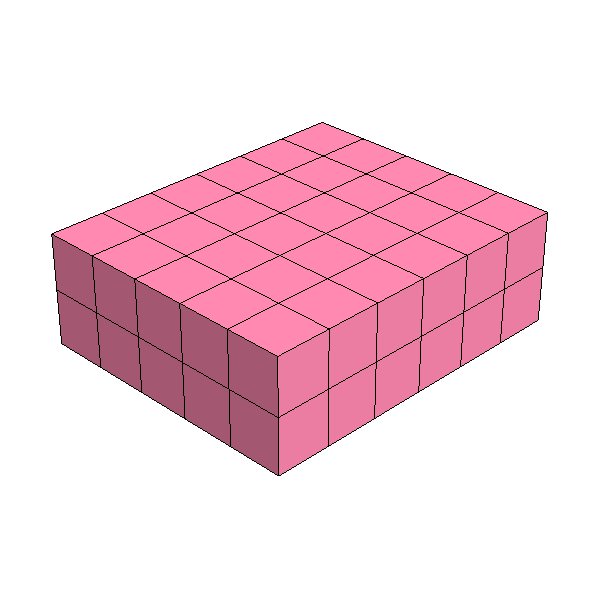
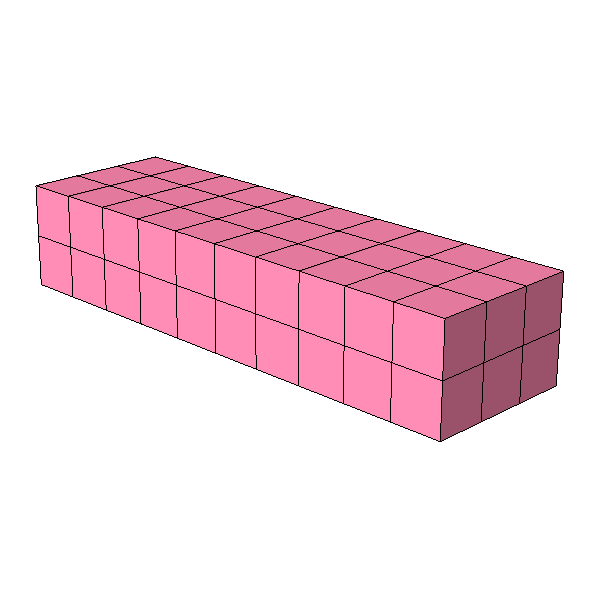
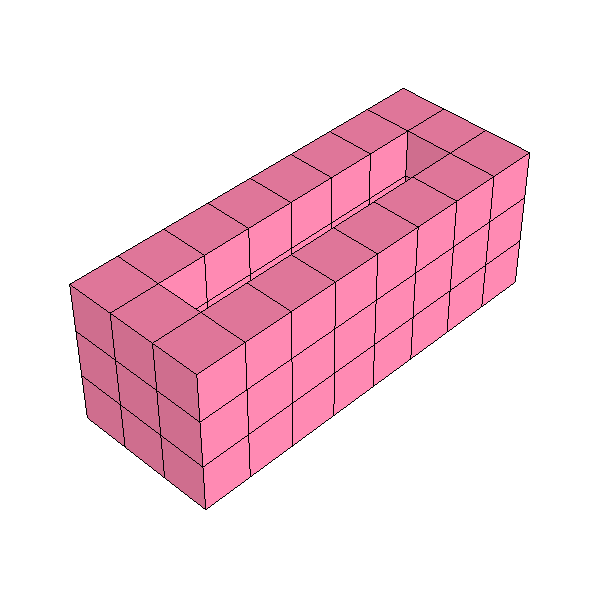
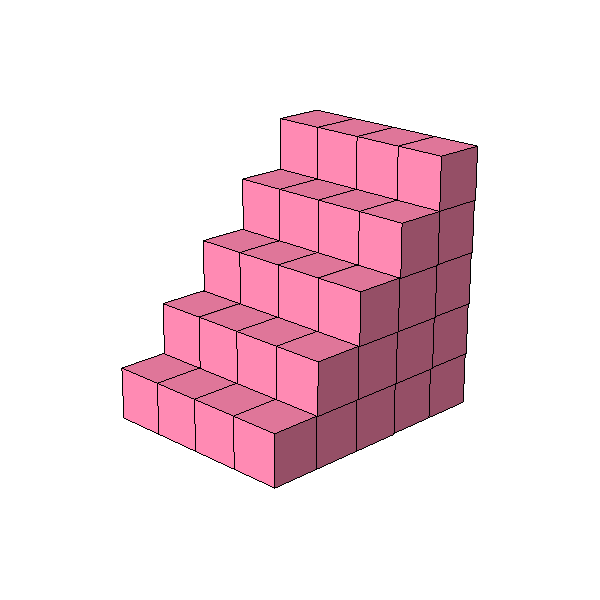
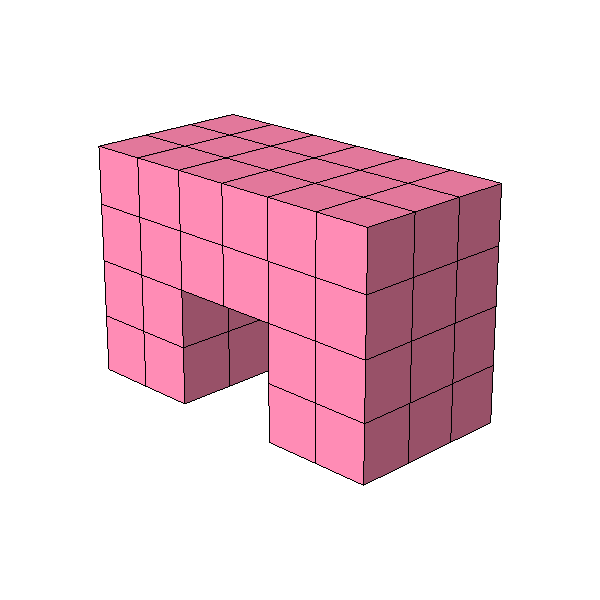
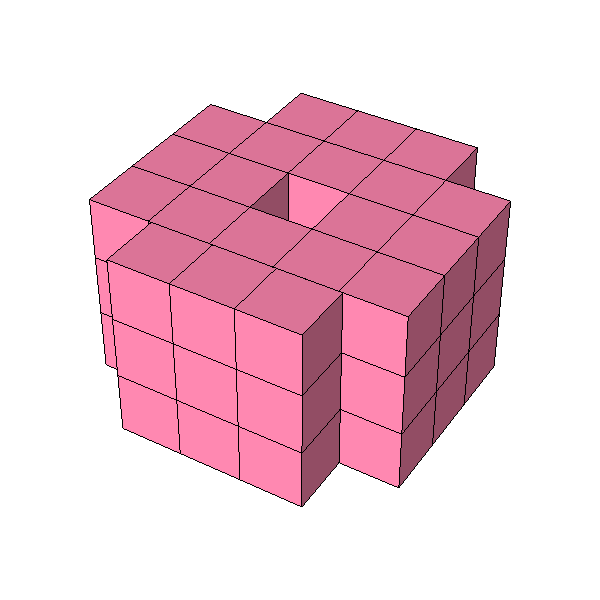
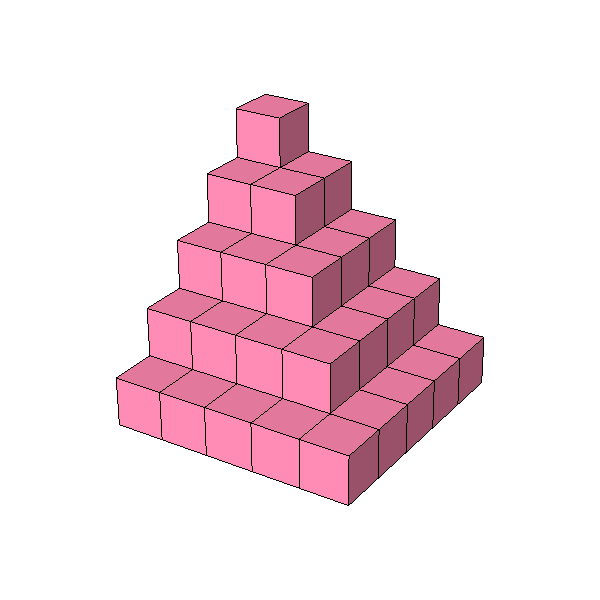
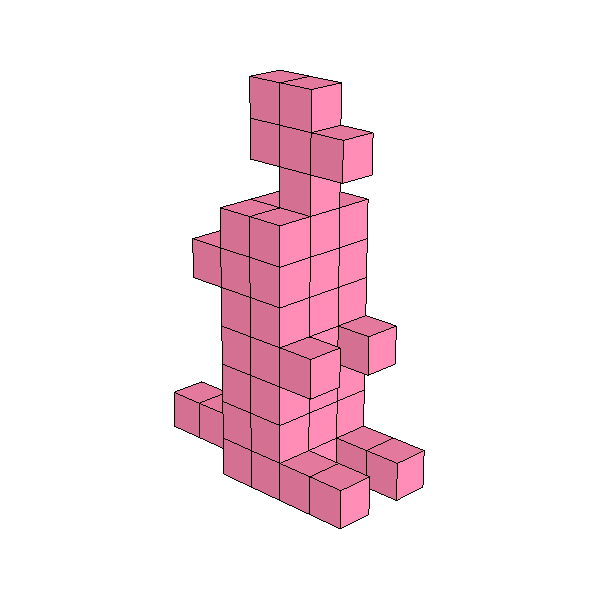
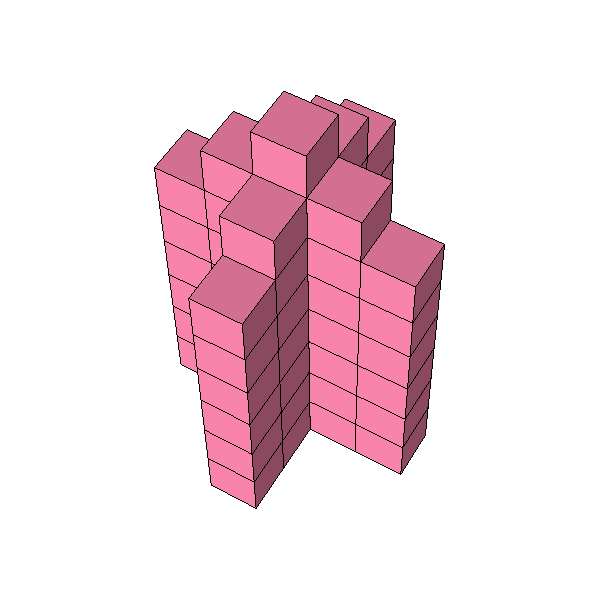
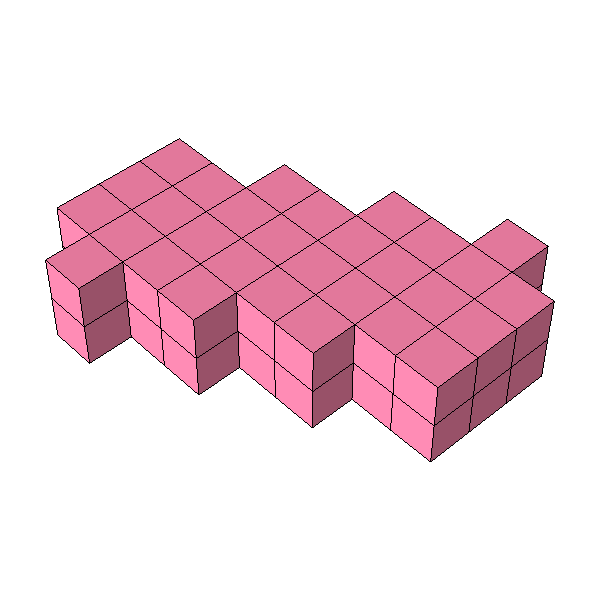
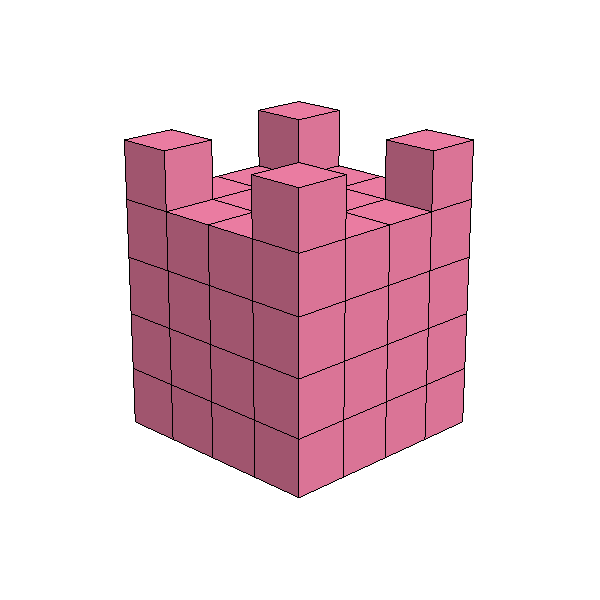
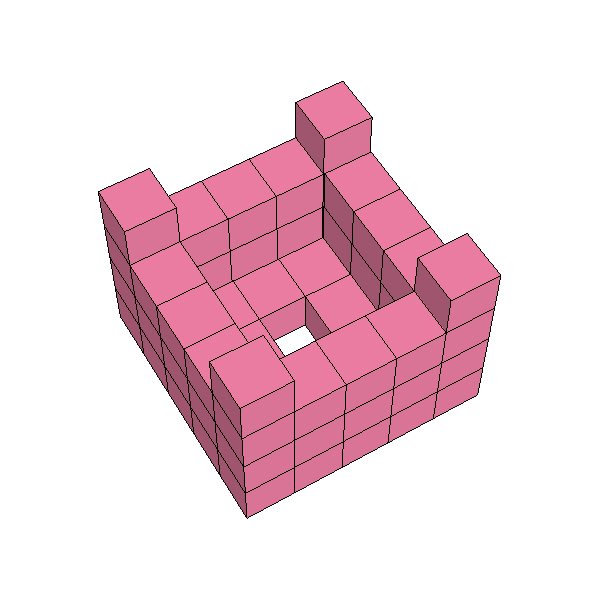
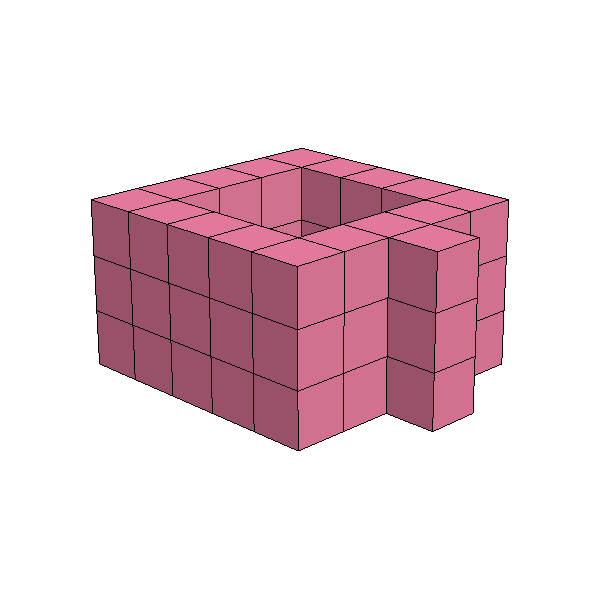
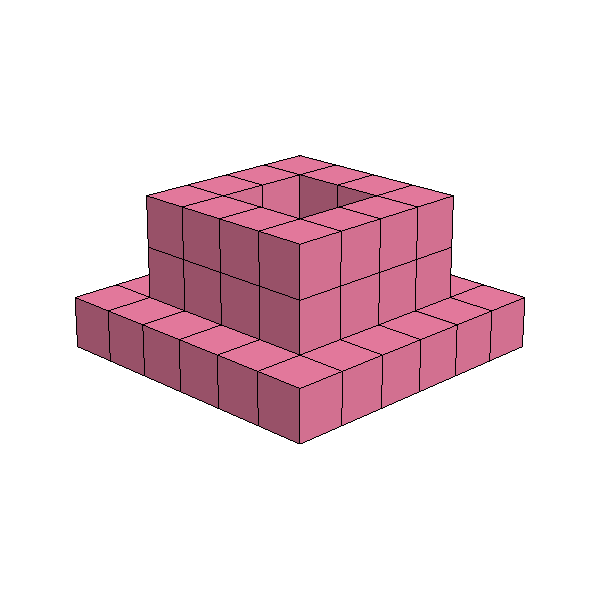
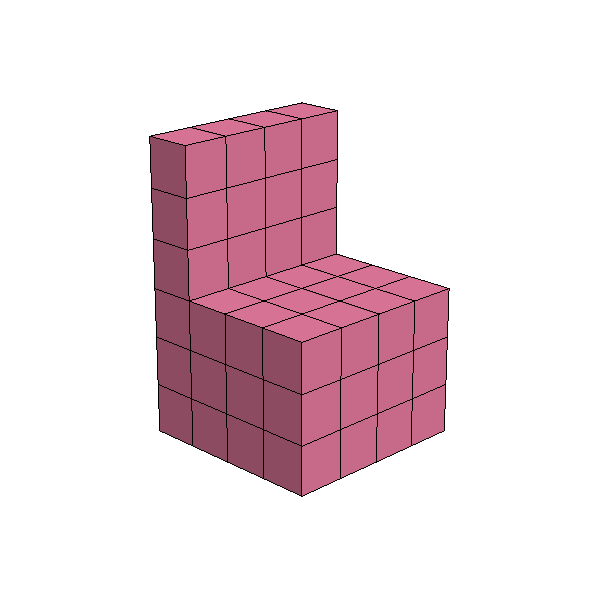
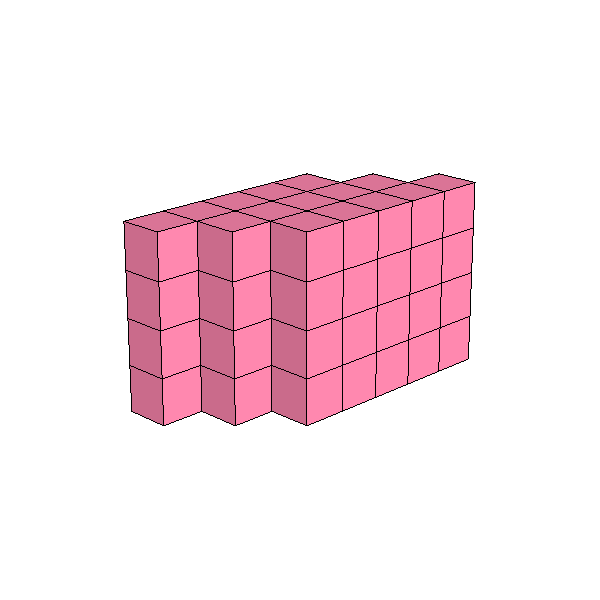
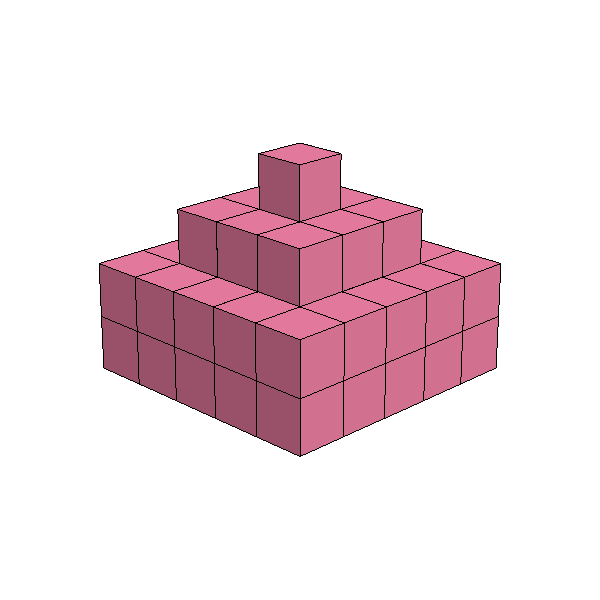
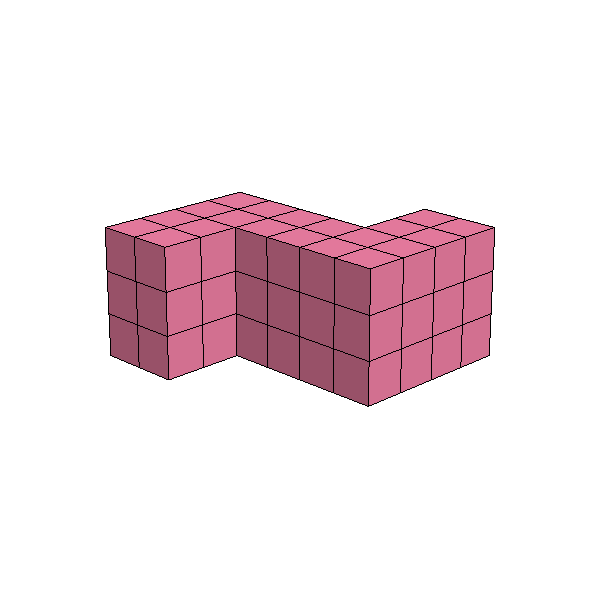
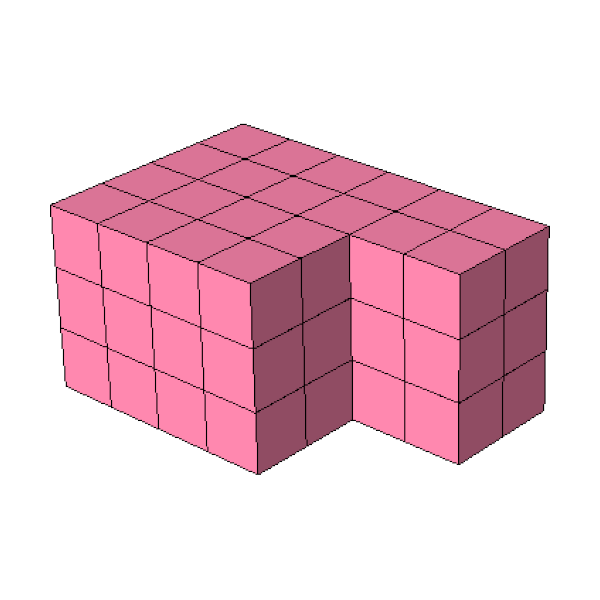
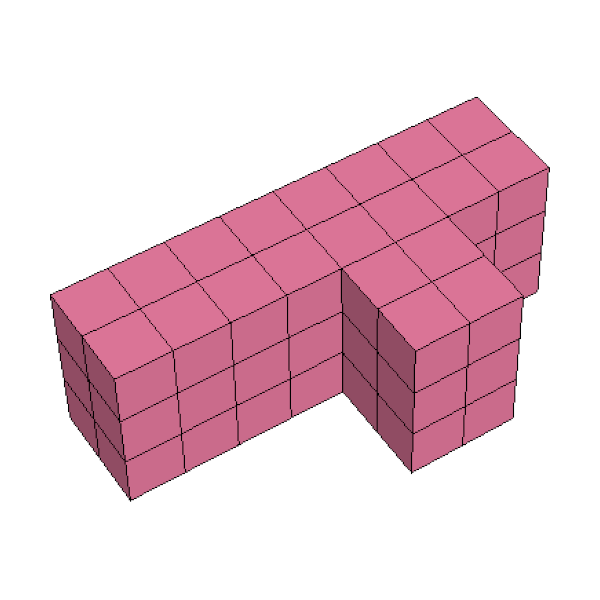
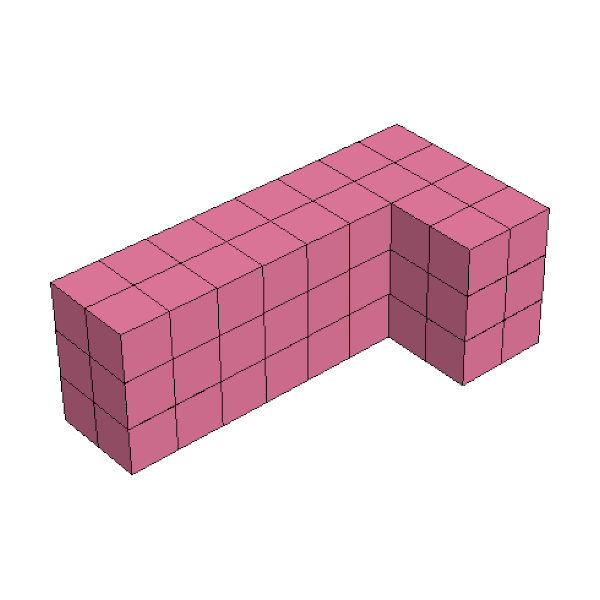
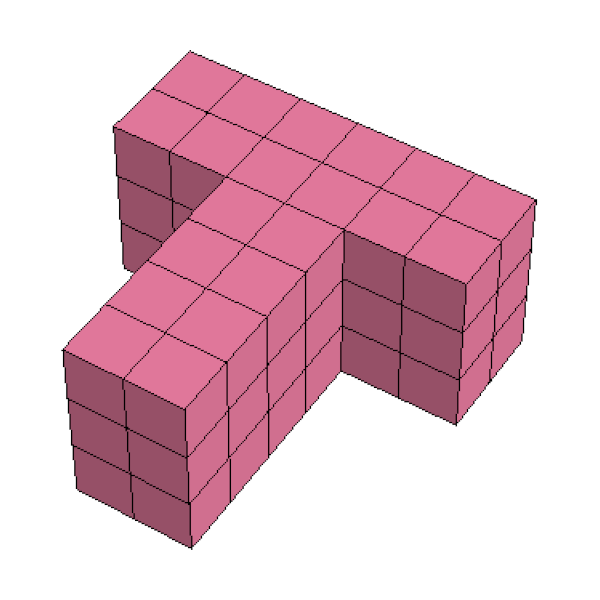
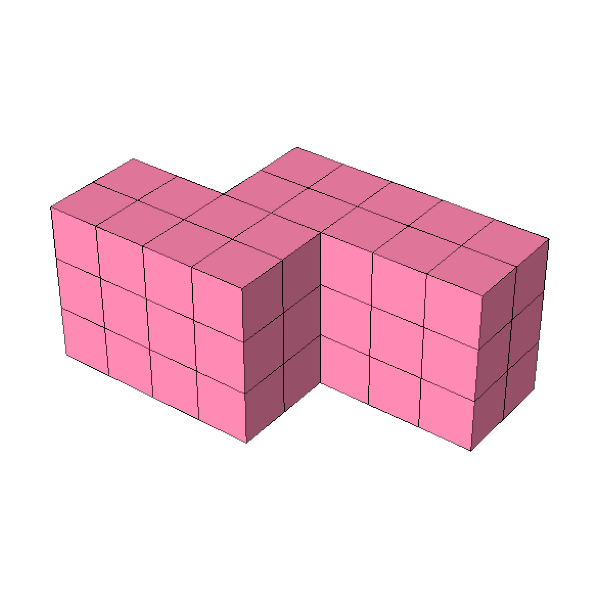
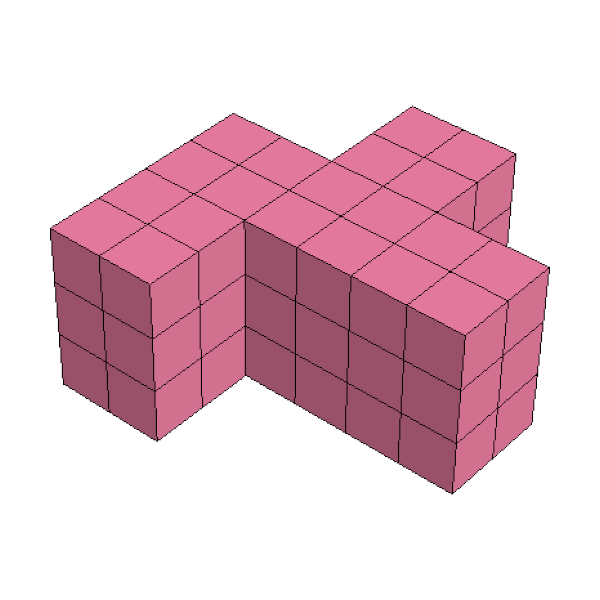
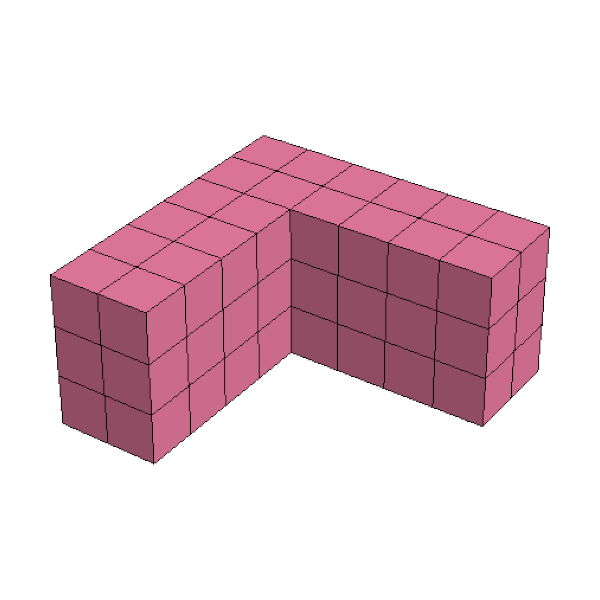
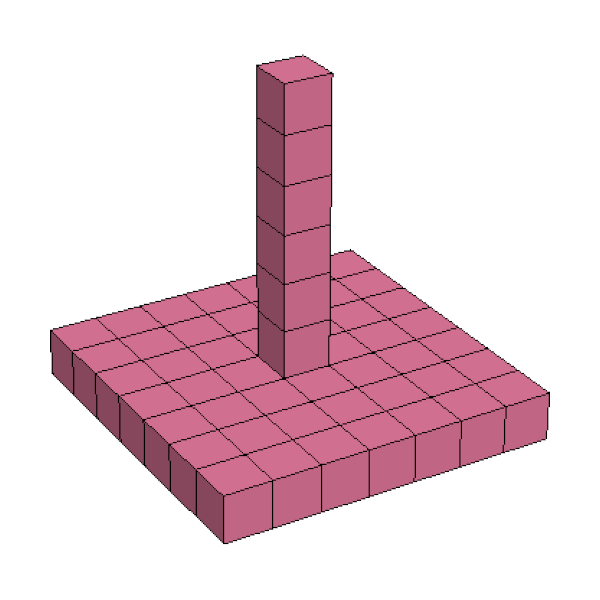
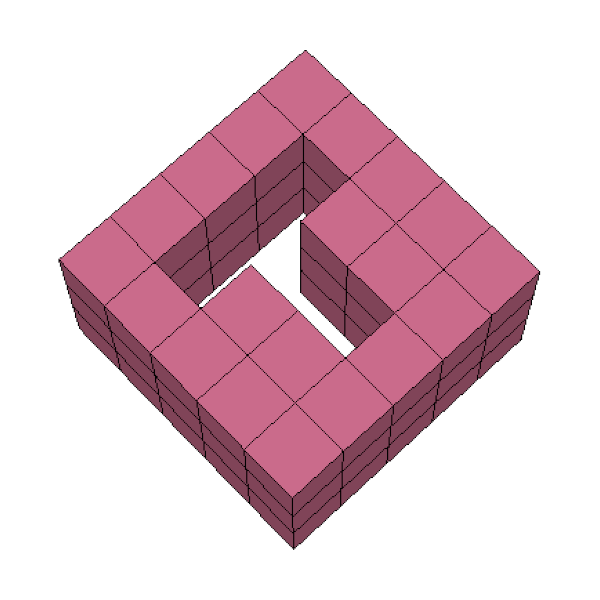
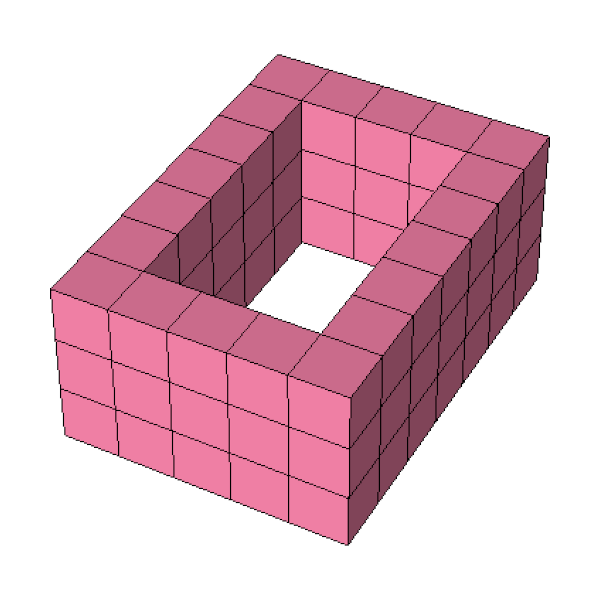
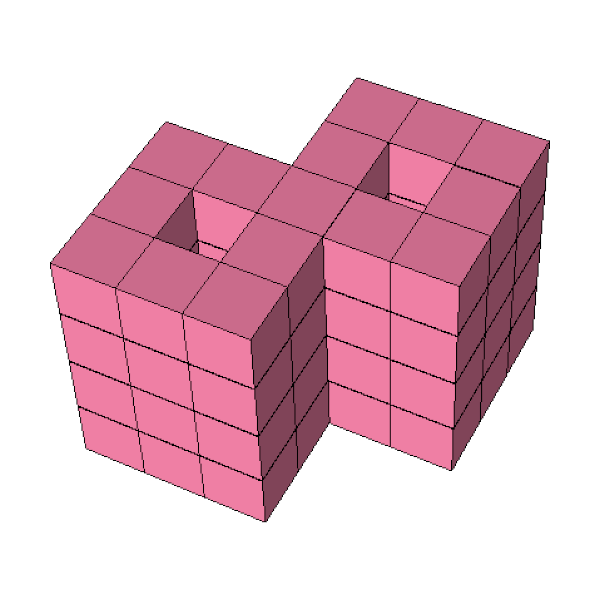
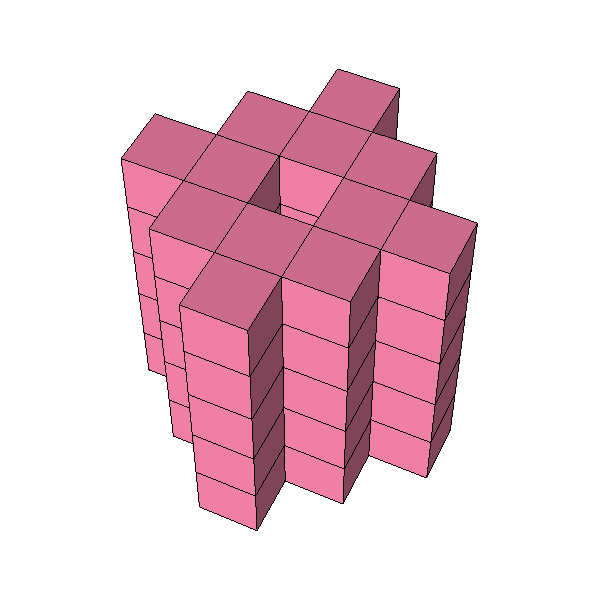
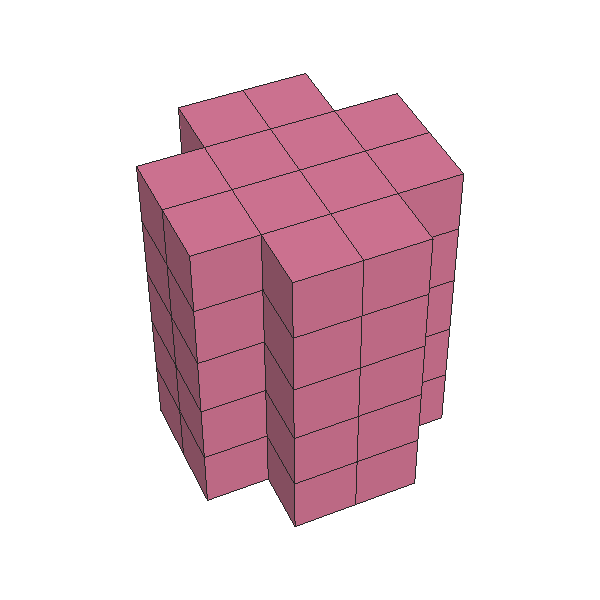
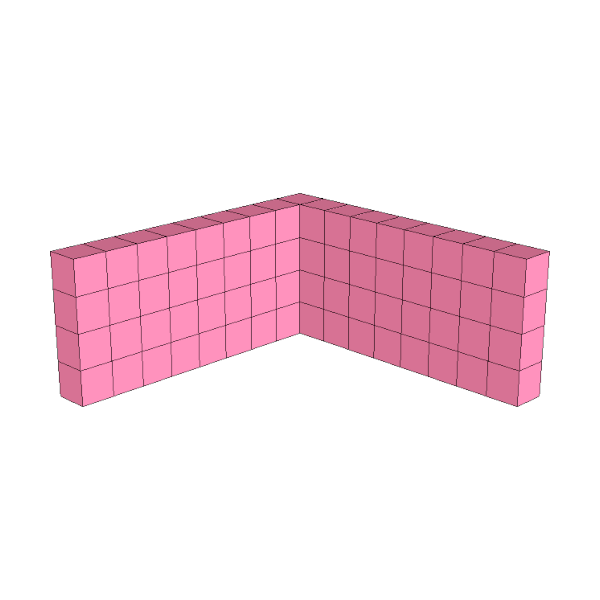
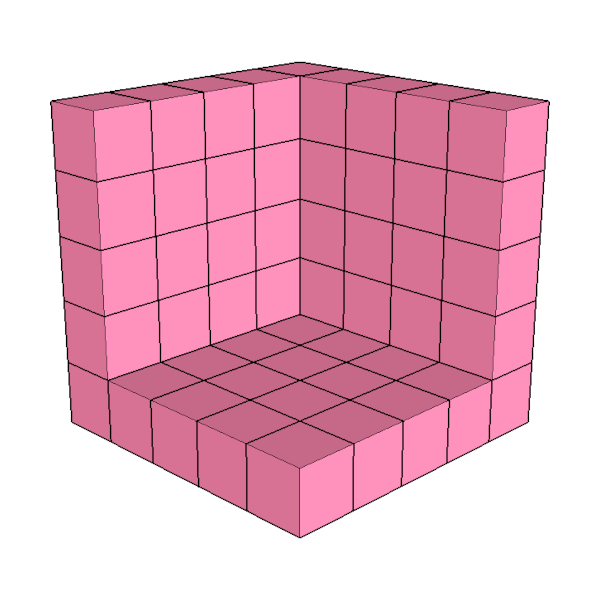
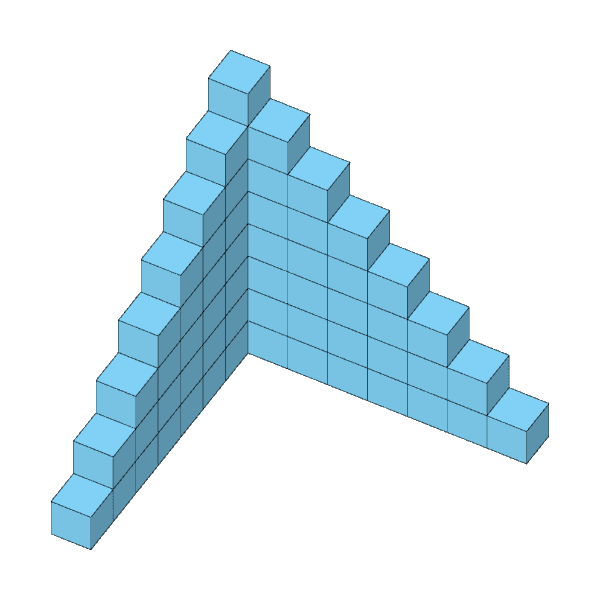
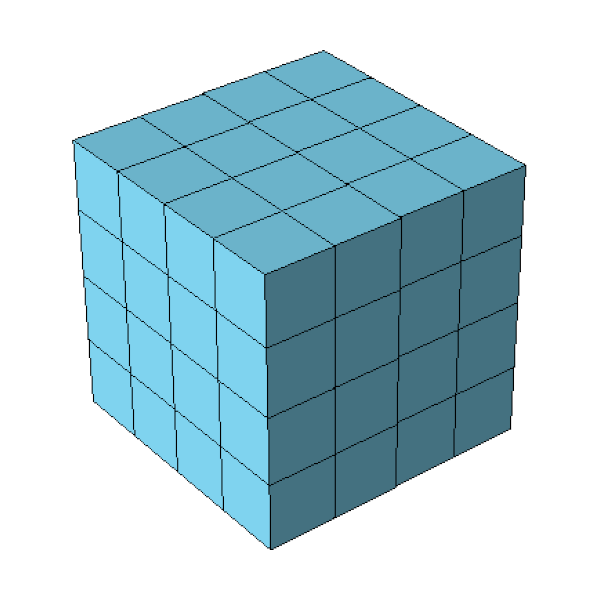
Pentomino3D Figur 013940 solutions Pentomino3D Figur 02264 solutions Pentomino3D Figur 0312 solutions Pentomino3D Figur 04143 solutions Pentomino3D Figur 05137 solutions Pentomino3D Figur 0610 solutions Pentomino3D Figur 0715 solutions Pentomino3D Figur 08320 solutions Pentomino3D Figur 092 solutions Pentomino3D Figur 102 solutions Pentomino3D Figur 117 solutions Pentomino3D Figur 128 solutions Pentomino3D Figur 1341 solutions Pentomino3D Figur 141 solution Pentomino3D Figur 1572 solutions Pentomino3D Figur 164 solutions Pentomino3D Figur 172395 solutions Pentomino3D Figur 181 solution Pentomino3D Figur 1955 solutions Pentomino3D Figur 2024 solutions Pentomino3D Figur 221082 solutions Pentomino3D Figur 237 solutions Pentomino3D Figur 2499 solutions Pentomino3D Figur 253 solutions Pentomino3D Figur 2651 solutions Pentomino3D Figur 271 solution Pentomino3D Figur 2821 solutions Pentomino3D Figur 291 solution Pentomino3D Figur 301 solution Pentomino3D Figur 321 solution Pentomino3D Figur 331 solution Pentomino3D Figur 341 solution Pentomino3D Figur 3554 solutions Pentomino3D Figur 3692 solutions Pentomino3D Figur 3781 solutions Pentomino3D Figur 38253 solutions

Pentomino-3D-Plus-Shapes

These shapes additionally include a square tetromino piece
Pentomino3DPlus Figur 3935 solutions Pentomino3DPlus Figur 31? solutions Pentomino3DPlus Figur 4010 solutions
  • Contact
  • Cookie Policy
Manage Consent
To provide you with the best possible experience, we use technologies such as cookies to store and/or access device information. Consenting to these technologies will allow us to process data such as browsing behaviour or unique IDs on this site. Not consenting or withdrawing consent may adversely affect certain features and functions.
Functional Always active
The technical storage or access is strictly necessary for the legitimate purpose of enabling the use of a specific service explicitly requested by the subscriber or user, or for the sole purpose of carrying out the transmission of a communication over an electronic communications network.
Preferences
The technical storage or access is necessary for the legitimate purpose of storing preferences that are not requested by the subscriber or user.
Statistics
The technical storage or access that is used exclusively for statistical purposes. The technical storage or access that is used exclusively for anonymous statistical purposes. Without a subpoena, voluntary compliance on the part of your Internet service provider, or additional records from a third party, information stored or retrieved for this purpose alone cannot usually be used to identify you.
Marketing
The technical storage or access is necessary for the purpose of creating user profiles to send advertising, or to track the user on a website or across several websites for similar marketing purposes.
  • Manage options
  • Manage services
  • Manage {vendor_count} vendors
  • Read more about these purposes
View settings
  • {title}
  • {title}
  • {title}

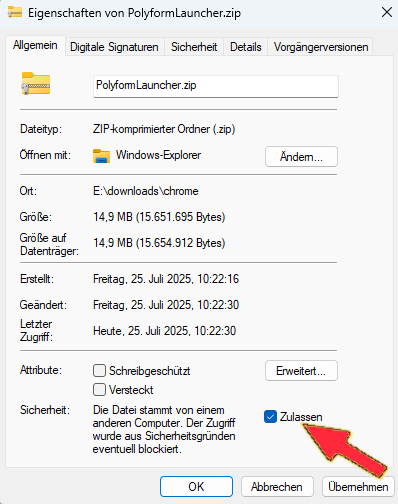
To ensure that all programs run smoothly after download and are not blocked by Windows, please follow this one important instruction before unpacking:

Step 1: Right-click the downloaded ZIP file (PolyformLauncher.zip).

Step 2: In the menu, select Properties.

Step 3: In the General tab, under Security, check the box Unblock.

Installations Instructions

Step 4: Click Apply, then OK.

Done! You can now extract the ZIP file as usual. All programs will start without any error messages..

Anleitung: Programme korrekt starten

Damit alle Programme nach dem Download reibungslos funktionieren und nicht von Windows blockiert werden, folgen Sie bitte vor dem Entpacken dieser einen, wichtigen Anweisung:

Schritt 1: Machen Sie einen Rechtsklick auf die heruntergeladene ZIP-Datei (PolyformLauncher.zip).

Schritt 2: Wählen Sie im Menü den Punkt “Eigenschaften”.

Schritt 3: Setzen Sie im Tab “Allgemein” unten bei “Sicherheit” einen Haken bei “Zulassen”.

Installationshinweis

Schritt 4: Klicken Sie auf “Übernehmen” und dann auf “OK”.

Fertig! Jetzt können Sie die ZIP-Datei wie gewohnt entpacken. Alle Programme werden danach ohne Fehlermeldung starten.